01 / CINEV — AI × 3D CREATION
Imagine a story.
Create the scene you envision.
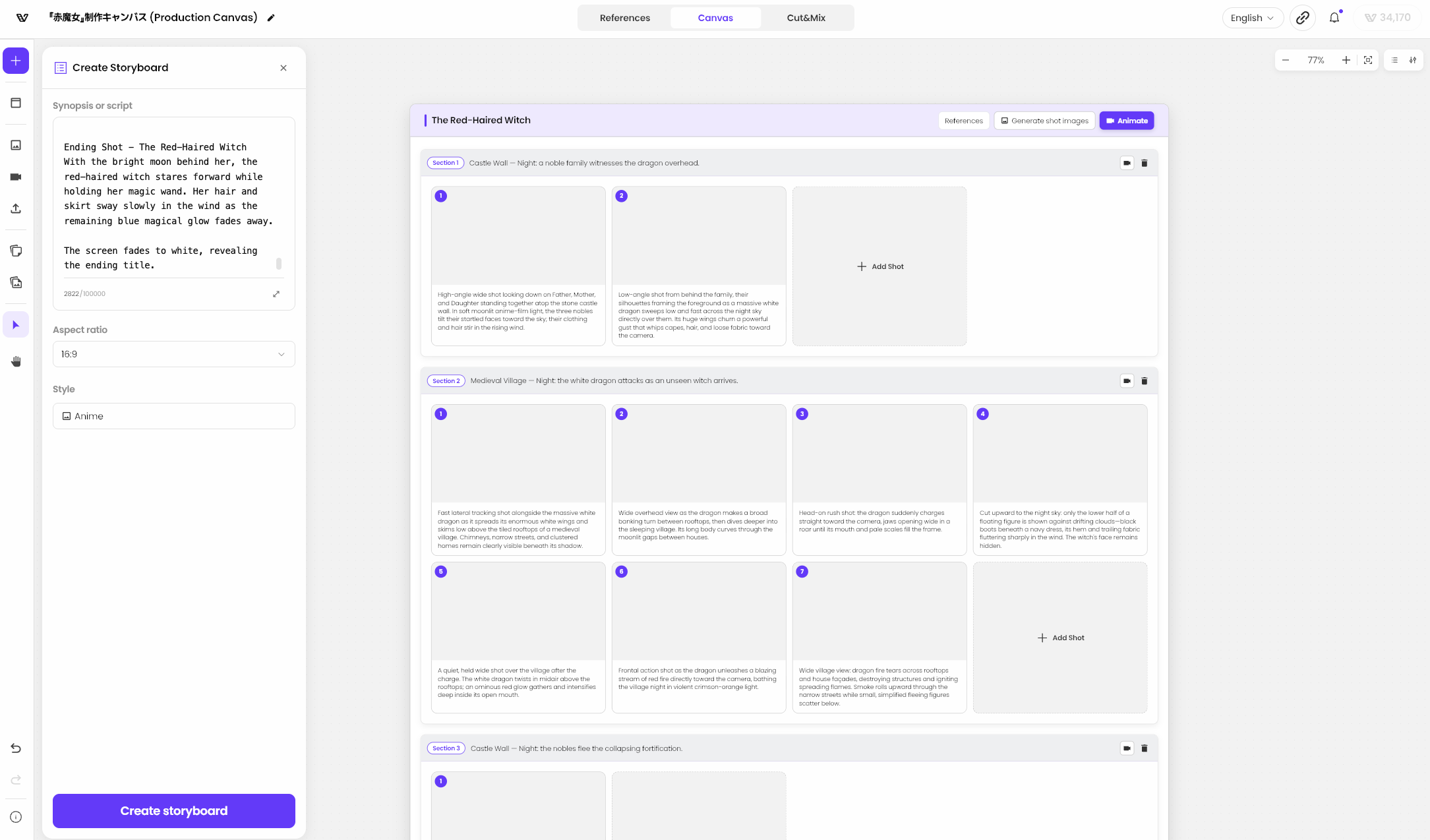
CineV is a service that uses AI and 3D technology to help creators produce professional videos more easily. It generates storyboards from the stories users enter, with precise pose editing and camera angle controls in 3D to refine images and video.
FROM STORY TO SCREENSTORYBOARD · 3D DIRECTION · VIDEO CREATION
02 / STORYBOARD
Turn scattered ideas
into scenes.
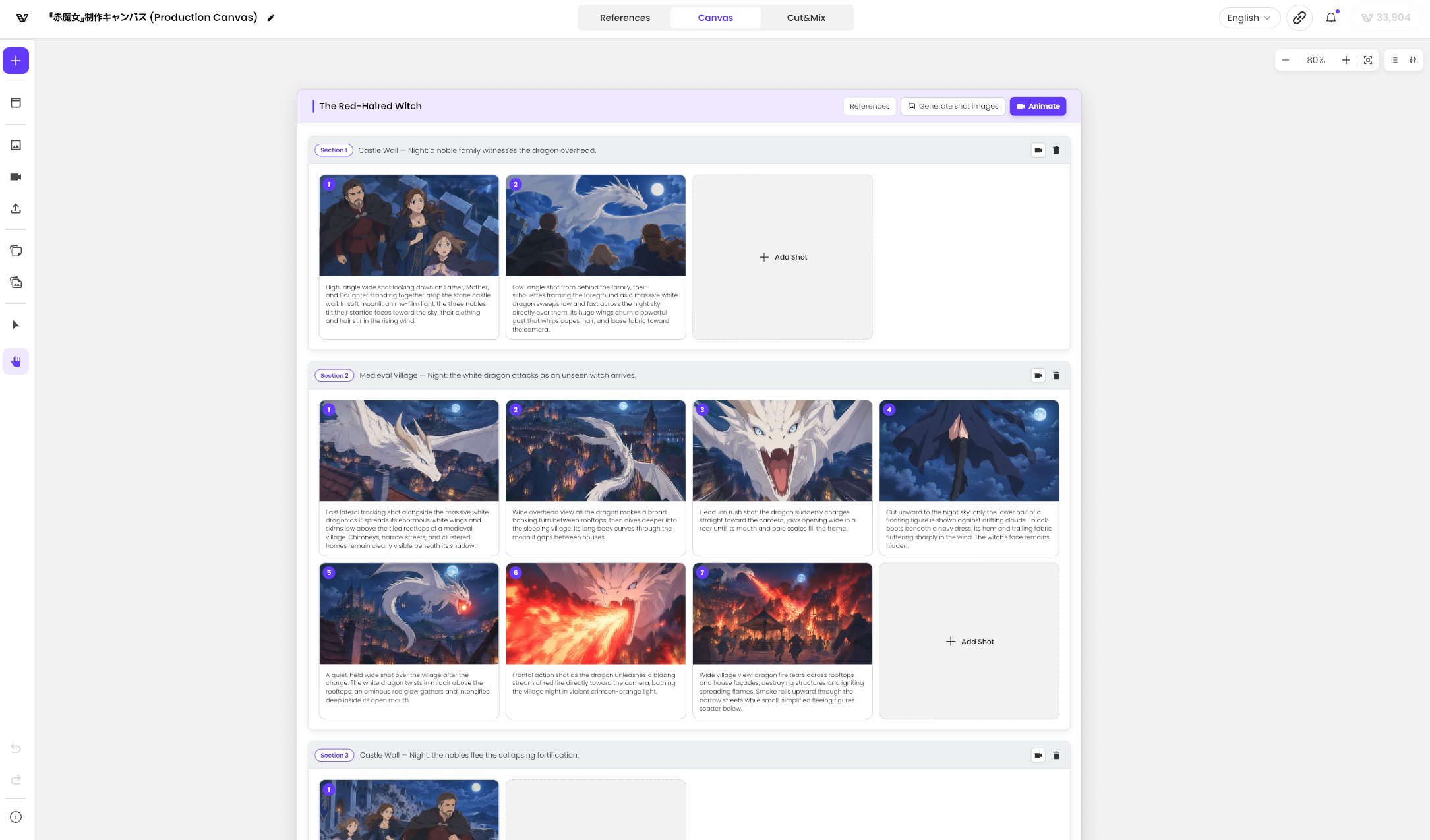
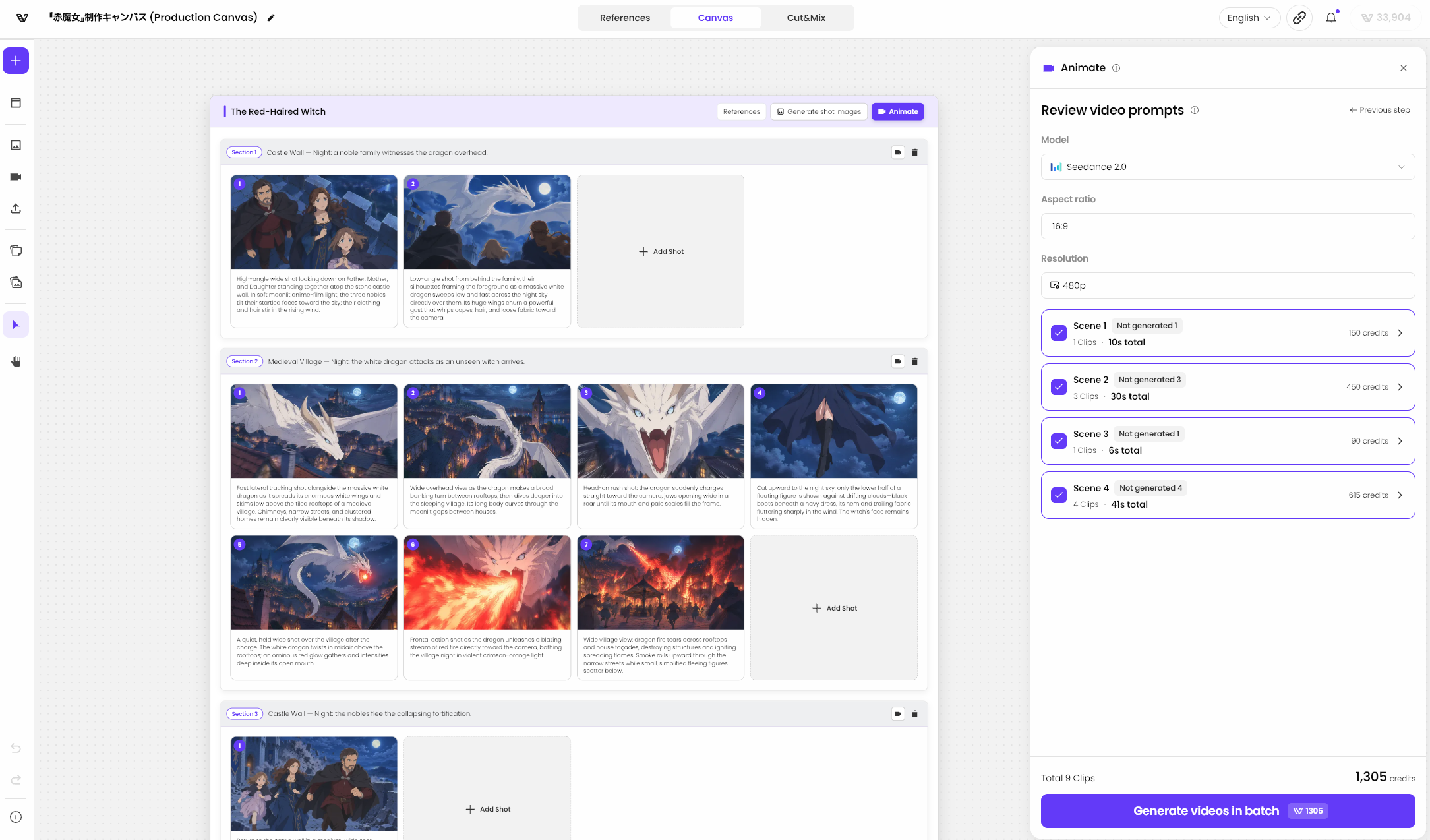
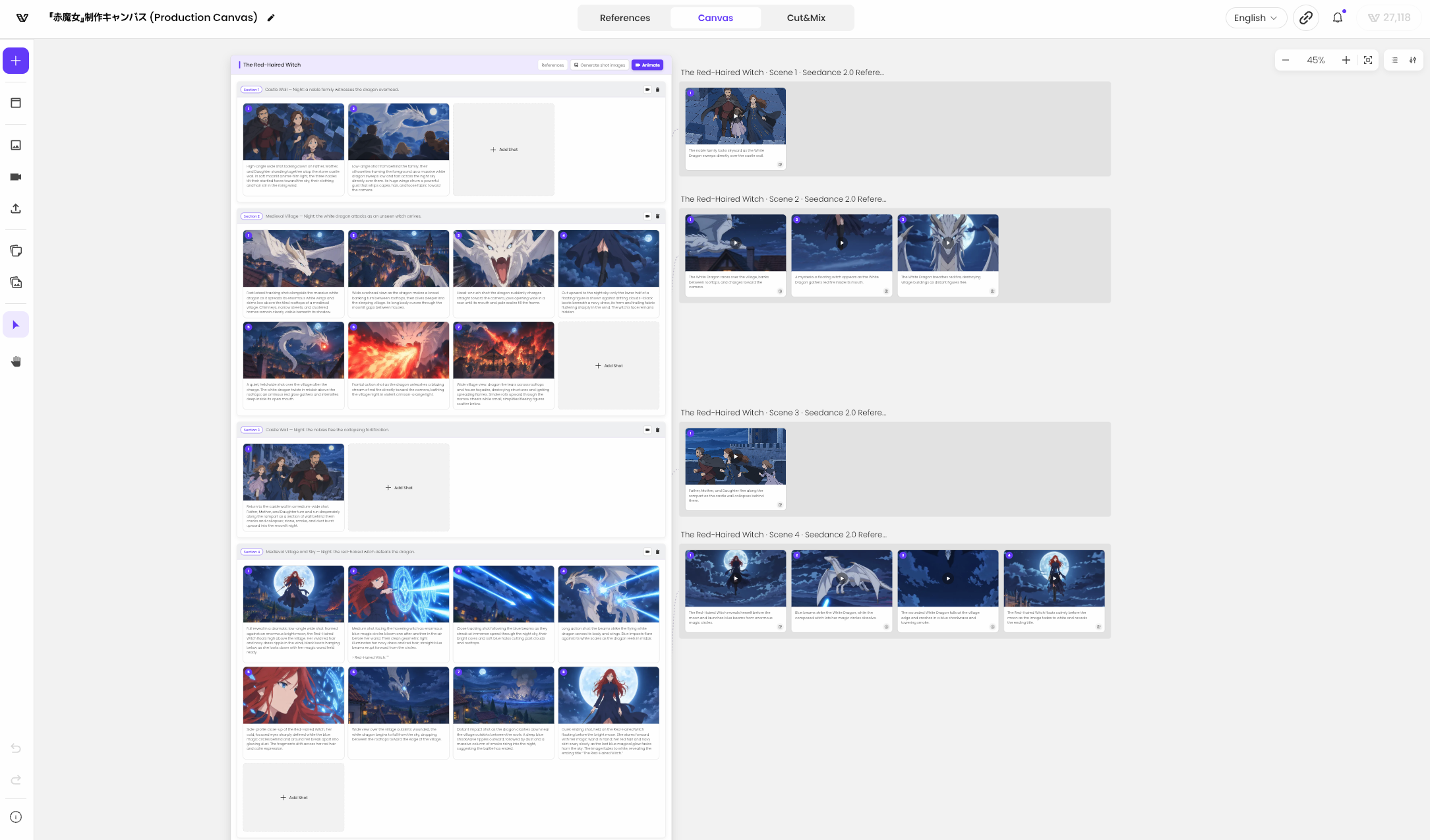
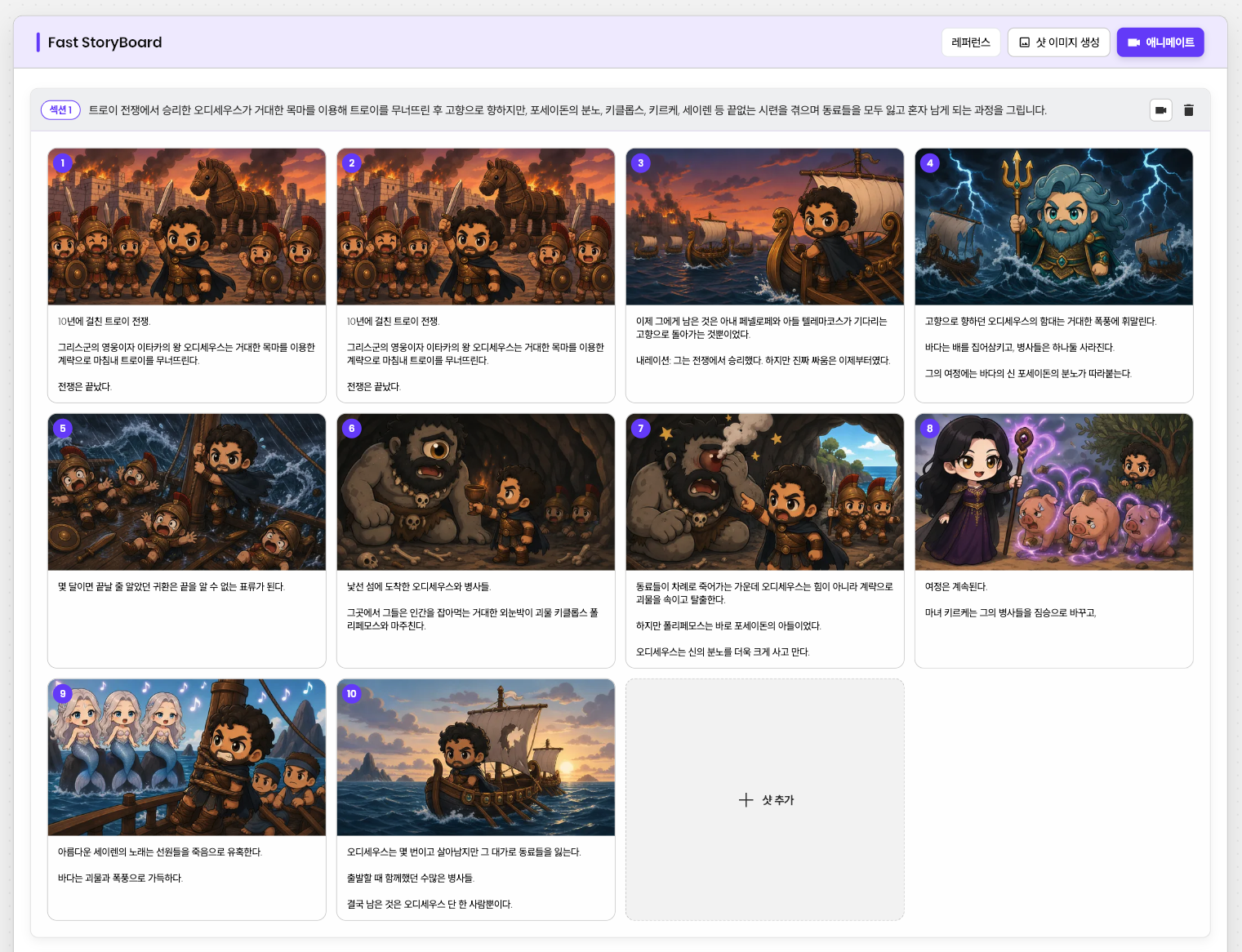
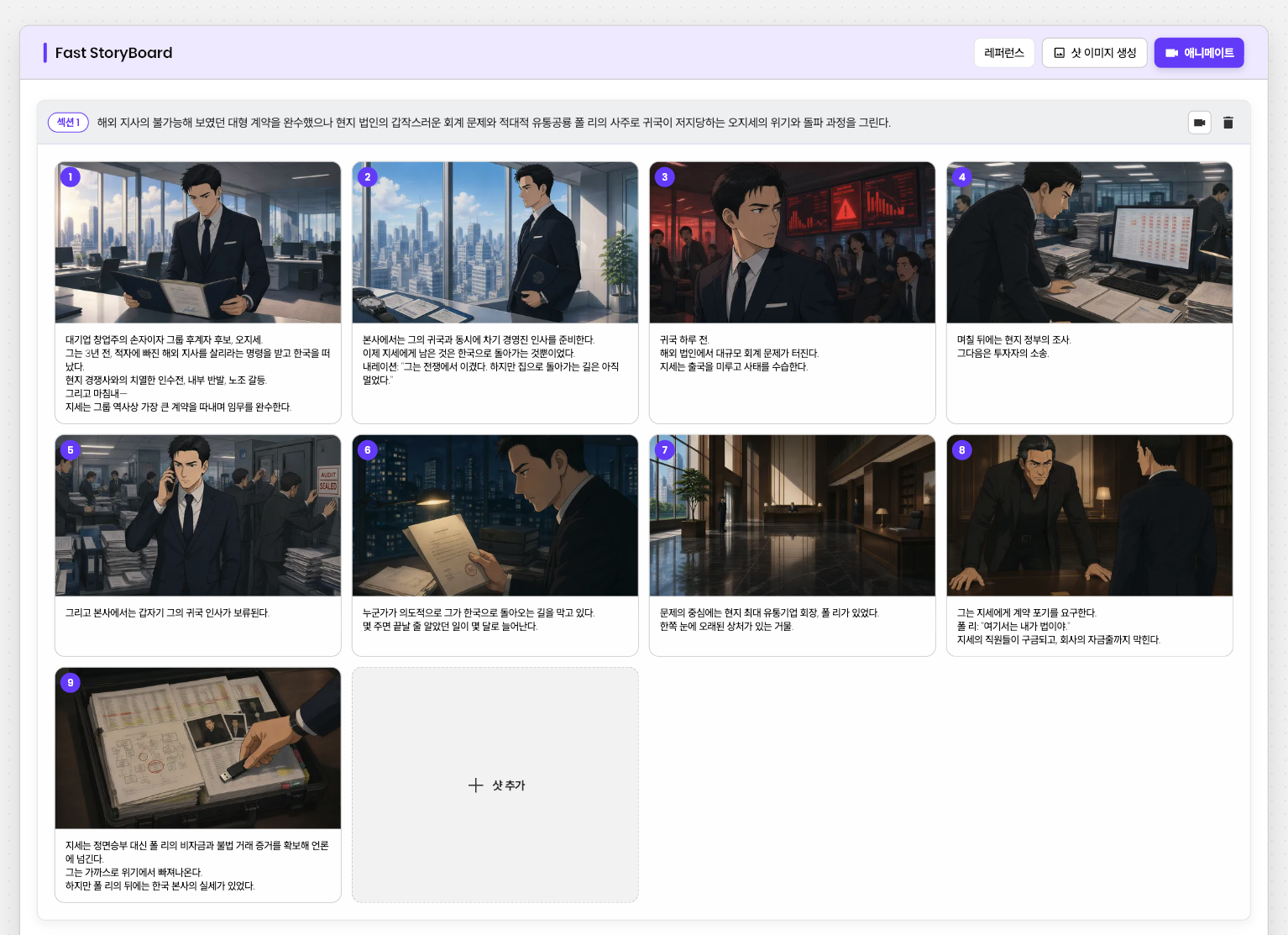
From entering a story to generating references, shot images, and video clips, the storyboard connects the production process.
STORY TO STORYBOARD
03 / 3D DIRECTION
After generation comes
the freedom to direct.
Bring an image into 3D, precisely adjust the composition and poses, and review the result. Each small refinement brings the scene closer to your intention.
03.1 / POSESHOT
Beyond the image, into space.
Automatically set up 3D character poses and placement based on a generated image. Re-create the scene in an editable 3D space.
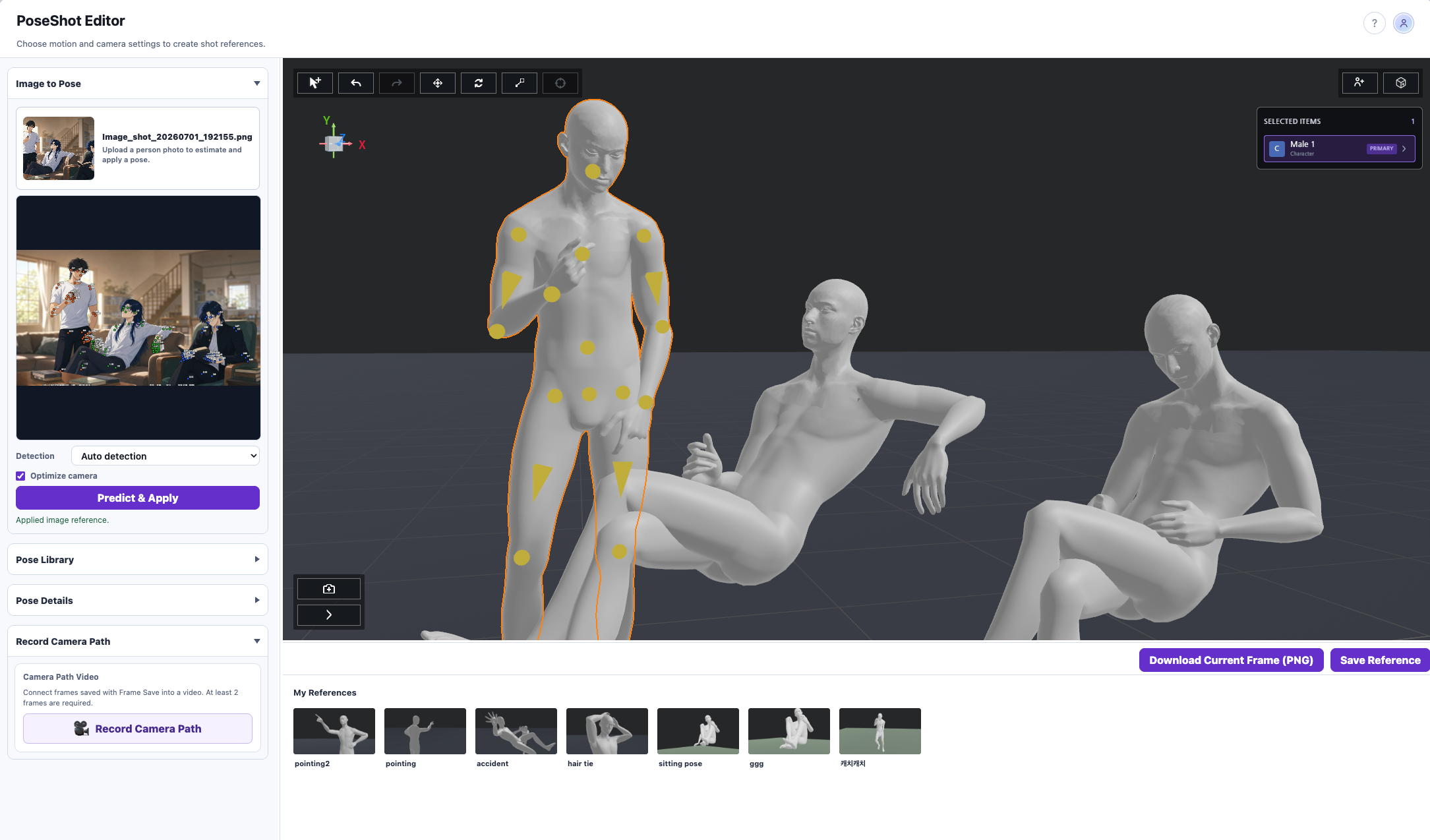
03.2 / POSESHOT
Same scene, a new perspective.
Fine-tune the camera angle to find the composition you want.
POSE & MOTION
Your intended pose, down to the fingertips.
Find an action in the motion library or generate it from text, then refine the joints and hands.
03.3 / POSESHOT
Text-to-Motion
Describe an action in text and apply the generated motion to your character.
03.4 / POSESHOT
Joint Control
Manipulate joints directly to refine a character's pose.
03.5 / POSESHOT
Hand Editor
Edit hands and fingers to complete the expression of the movement.
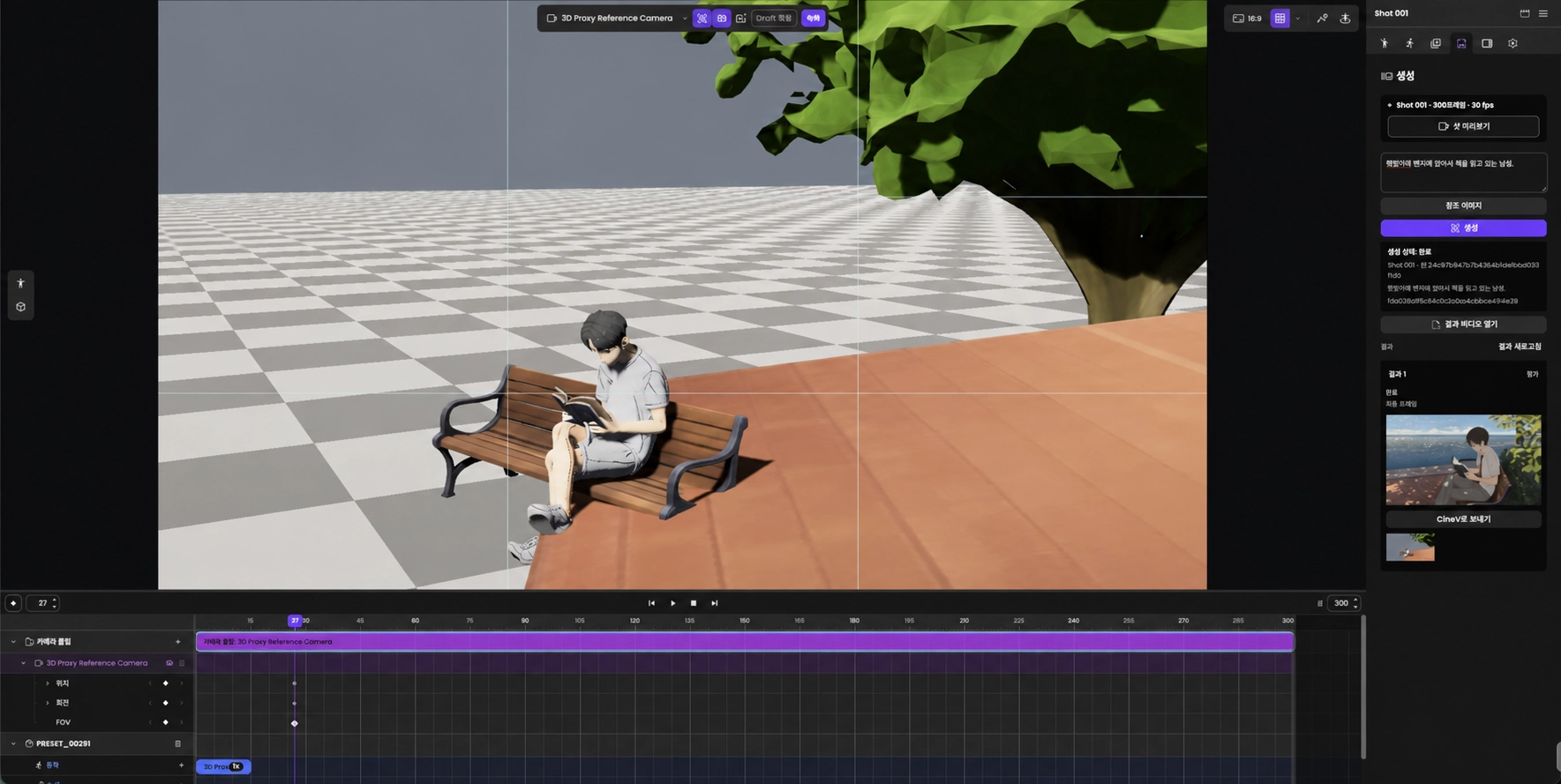
03.6 / SHOTLOOM
Beyond composition,
Beyond composition,
to direction over time.
Place characters and props, then edit camera position, rotation, and field of view on the timeline. Your 3D camera sequence becomes the basis for video generation.
03.7 / PROMPT ASSISTANCE
Make prompting easier.
Prompt Book
Find useful prompts in a library and apply them to your work.
Prompt Enhancer
Enhance an input prompt to describe the scene you want in greater detail.
04 / CONNECTED WORKFLOW
From a single shot
to a finished video.
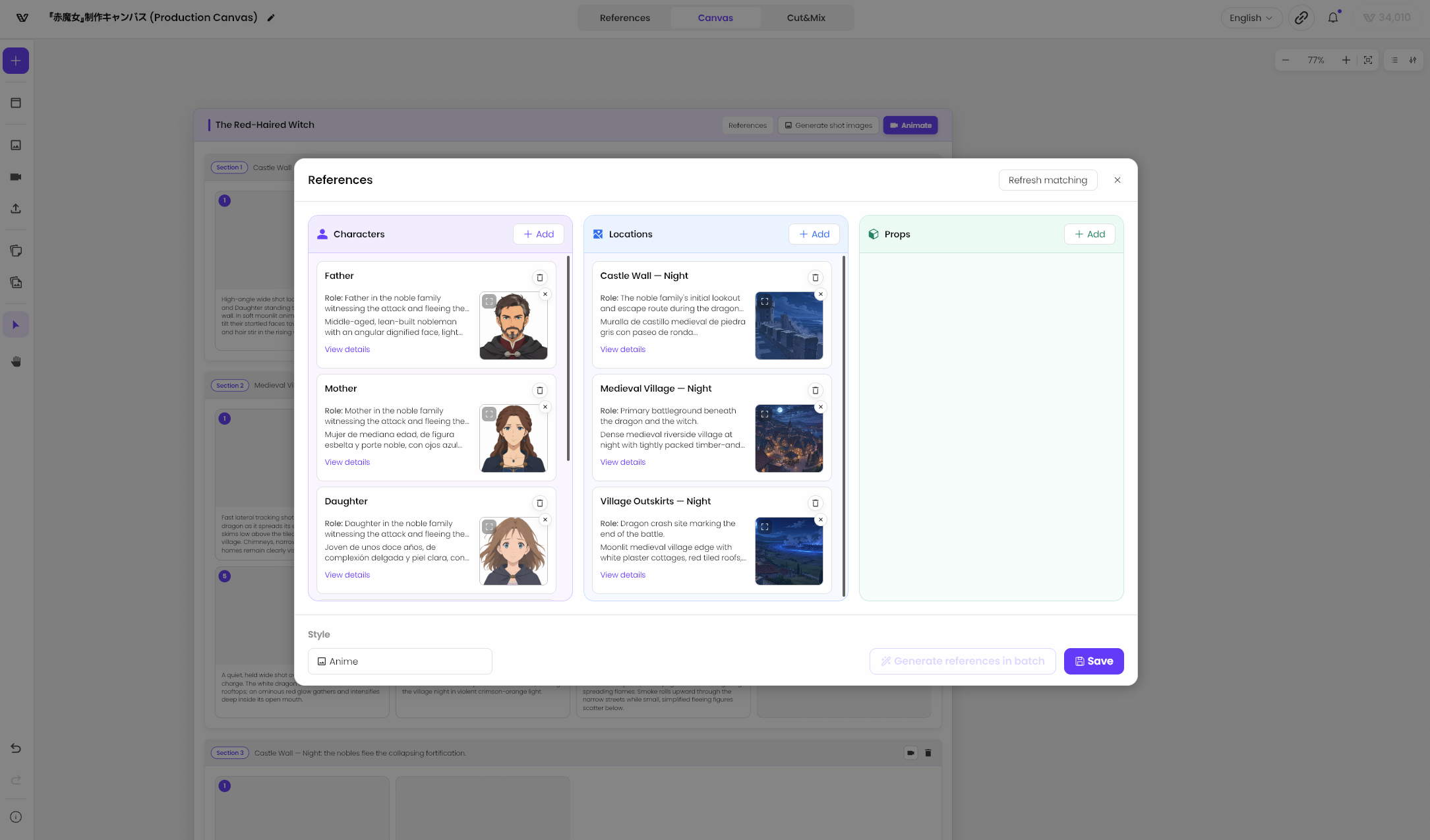
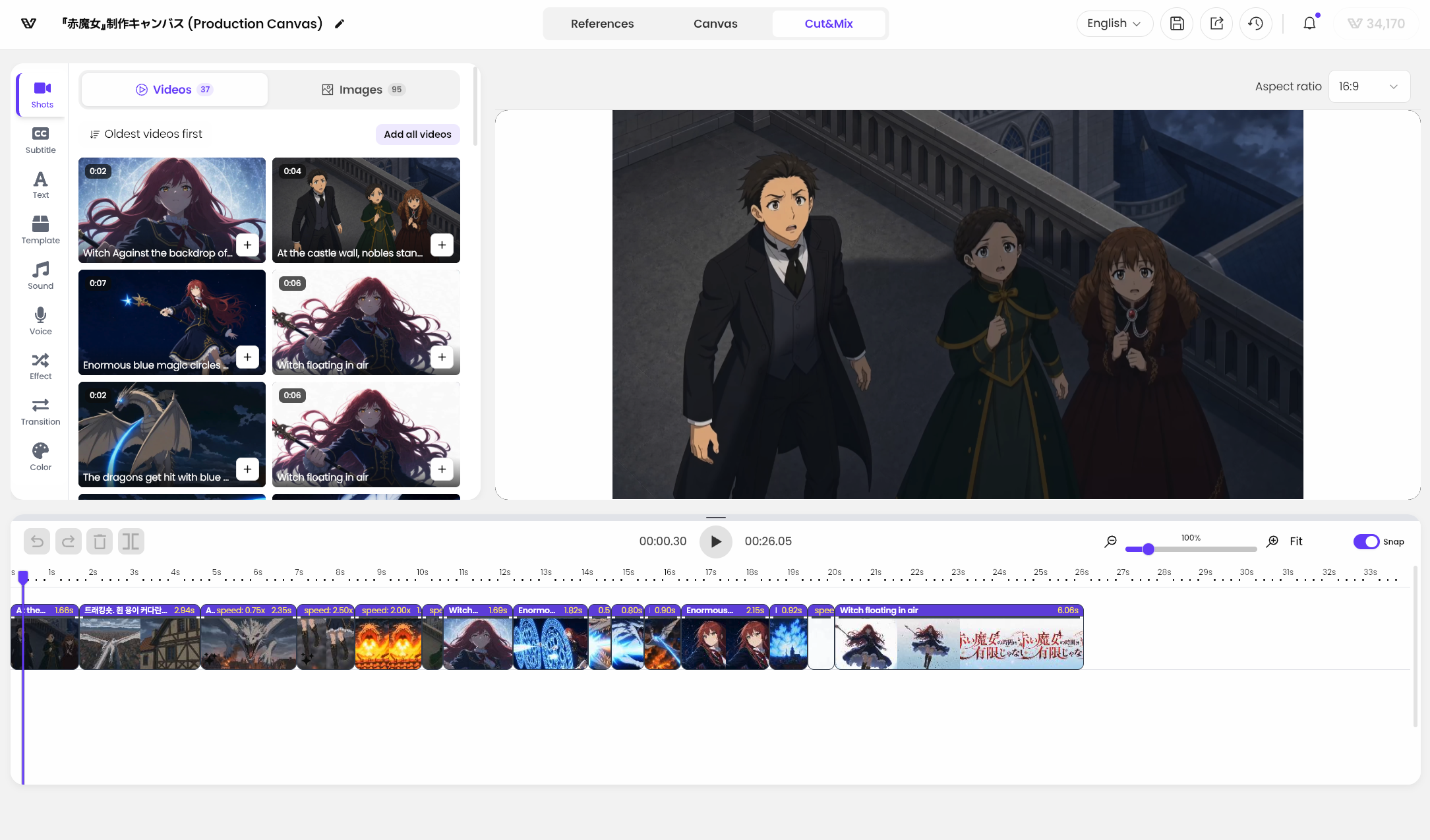
Prepare project characters, backgrounds, and props, generate scenes on the canvas, then edit them into a finished video in Cut&Mix.
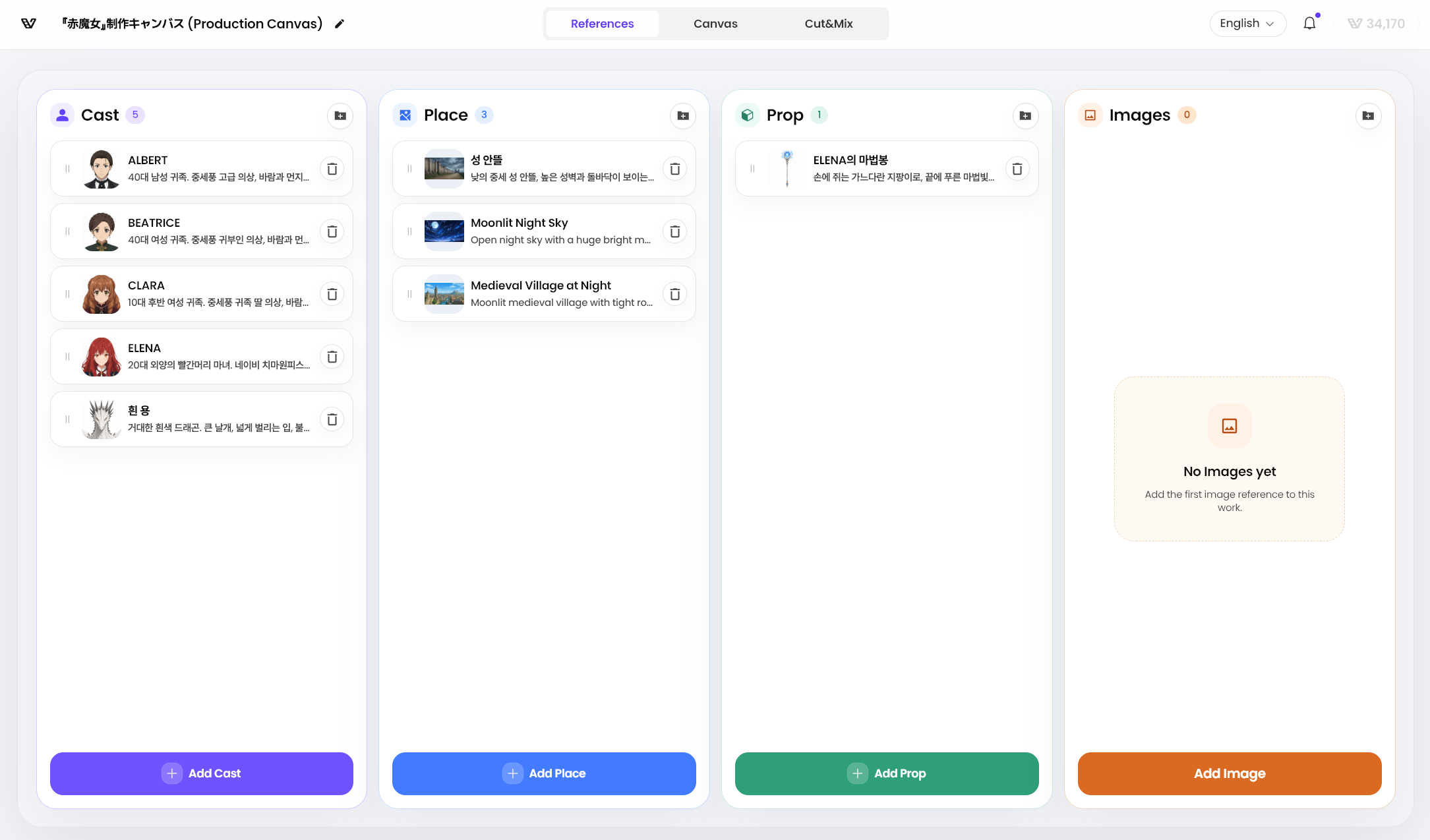
Project references
Manage characters, backgrounds, and props within a project and use them to build scenes.
Canvas
Build a storyboard on the canvas and continue into image and video generation.
Cut&Mix
Arrange generated shots on the timeline and edit them into one complete video.
AUDIO
Voice separation
Separate voices from video for use in editing.
05 / ANIMATION STYLES
Find the right look
for your story.
Drawing on hands-on webtoon and animation production experience, choose a style that fits your work and generate scenes.
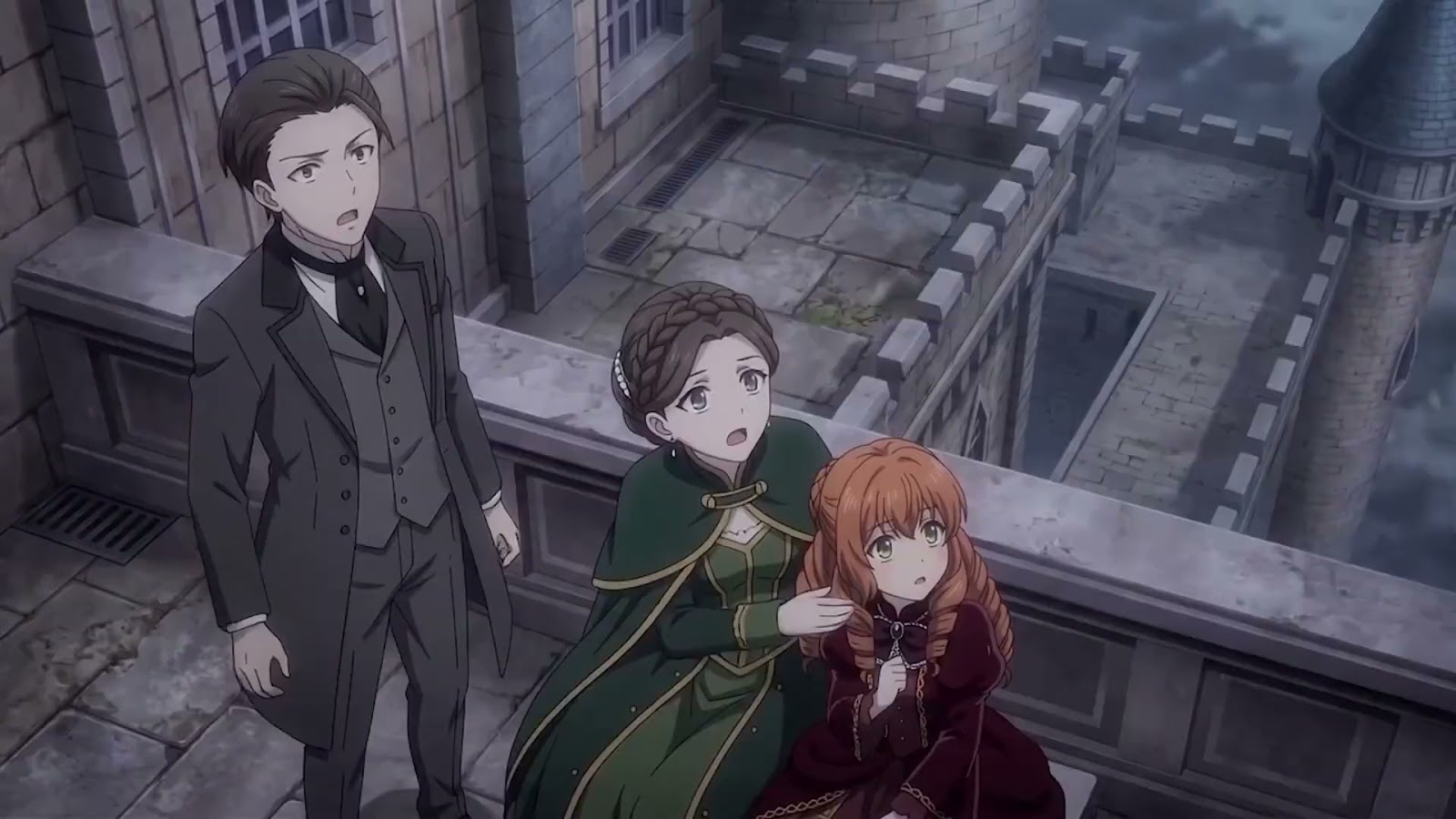
Anime-inspired characters with dramatic lighting and action

STYLE ENHANCER
Refine the details
Refine the details
and tone for animation.
Refine the image's visual treatment and review the result in the final video.


06 / VISION & TECHNOLOGY
The technology behind
our stories and worlds.
CineV's vision went beyond generating individual video clips: we sought a production experience for creating a complete story and the world in which it lives.
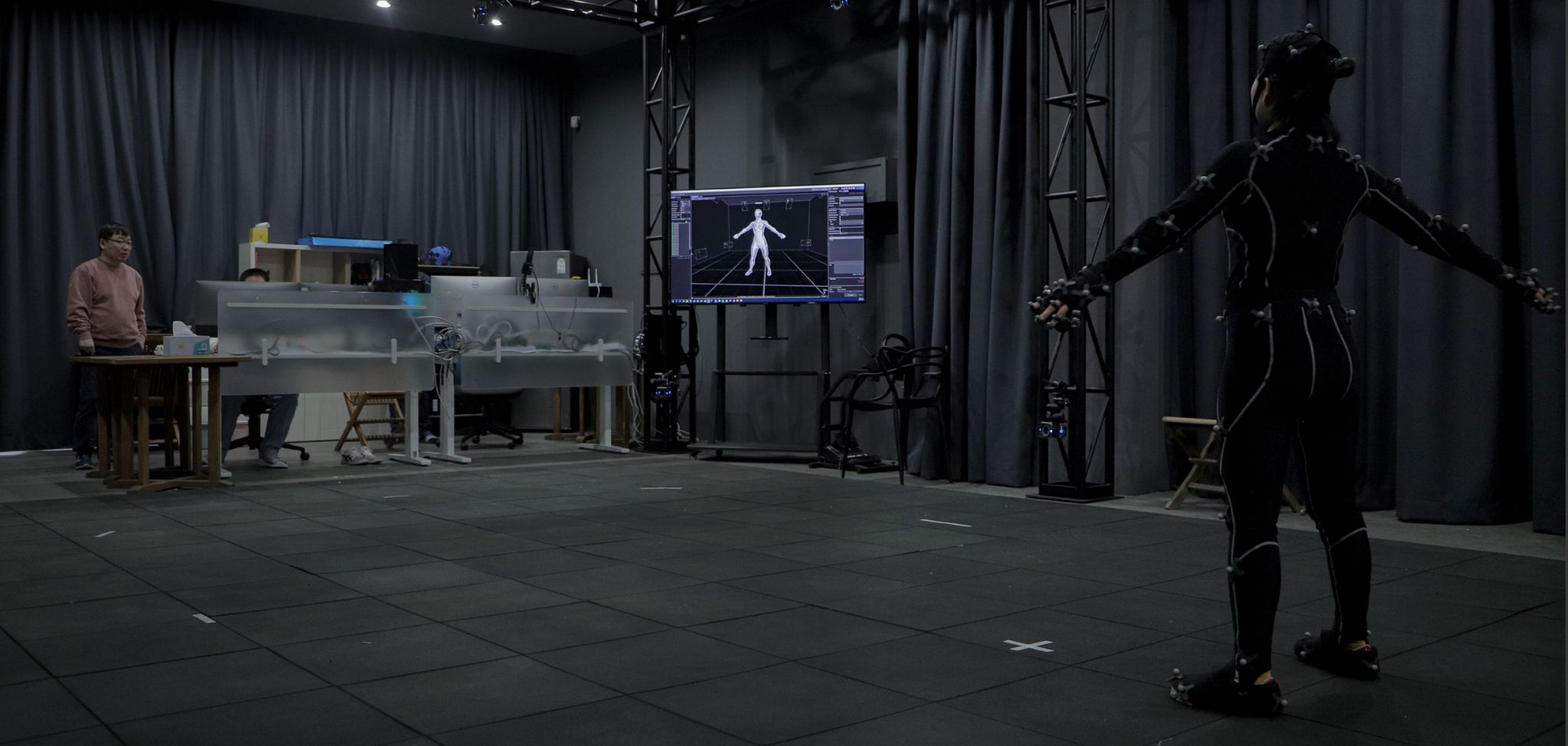
Starting with data captured in our own motion capture studio and research into AI motion, we developed 3D video production tools built on Unreal Engine. We then combined AI image and video generation with precise directing tools, connecting story development with storyboarding and video production.
Fast generation and fine control. Stories and worlds that continue beyond individual scenes. This archive records CineV's journey toward that vision and the technology we built along the way.
The technology we developed, in one place
A record of the technology and production tools that grew from research into products.
01
PoseShot — Direct poses and cameras yourself
The development record of a 3D editor for creating poses from images and adjusting hands, body parts, and cameras.
Project period2026.05 — 2026.08View details
02
Shotloom — From images to editable 3D scenes
A production workflow connecting character placement, motion, and camera composition with SceneGen video generation and CineV storyboards.
Project period2026.04 — 2026.09View details
03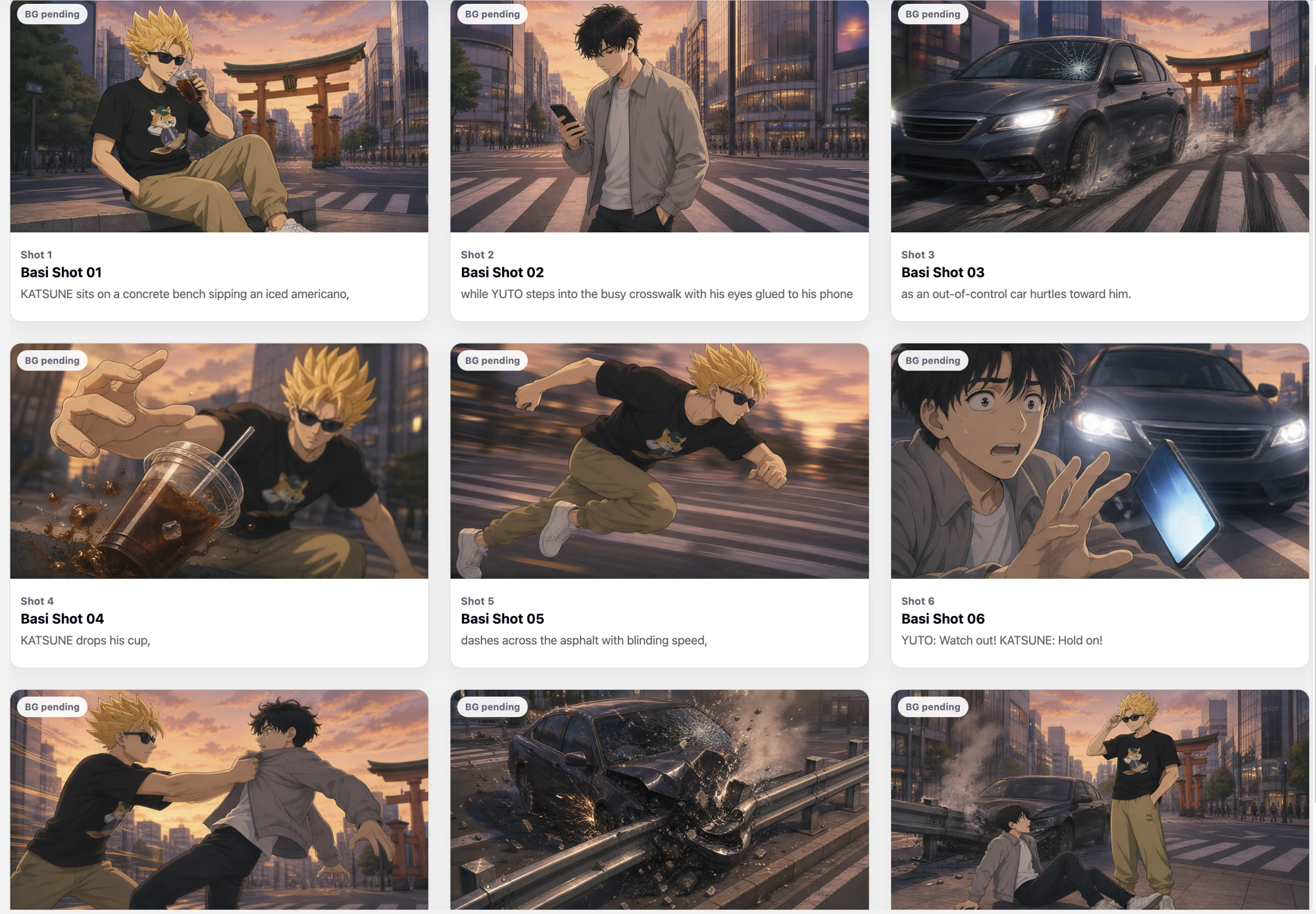
From AI generation to production tools — A2P R&D
A progression from testing character and scene generation to a consistent production workflow and an editing experience users can direct themselves.
Project period2025.09 — 2026.08View detailsCOMET
Stable long-term motion generation
with joint target control.
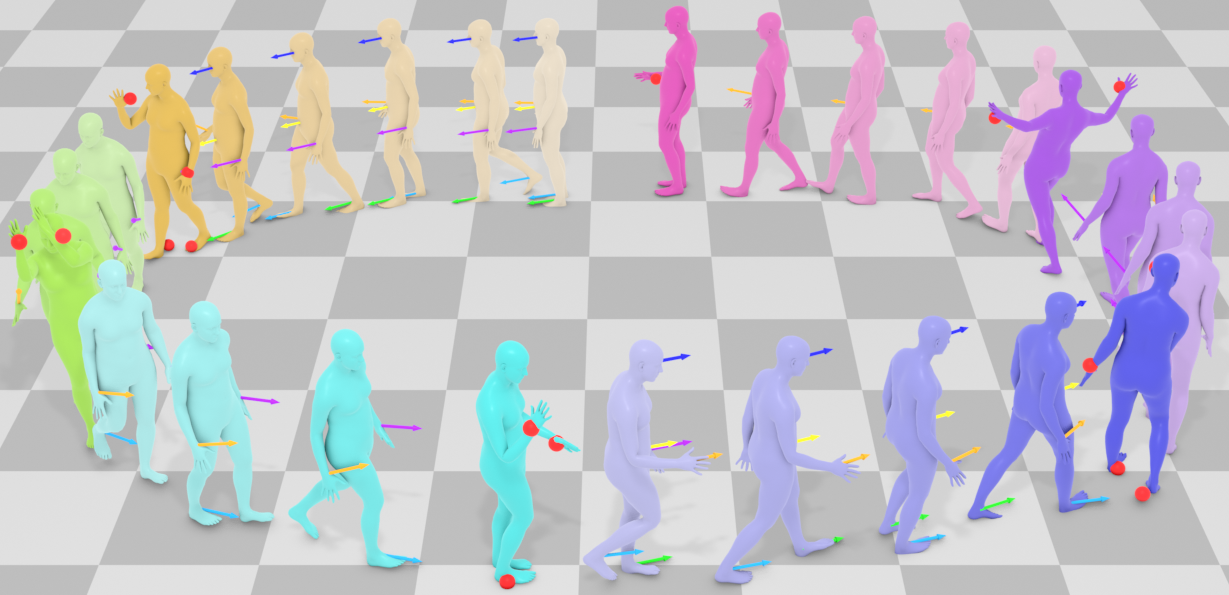
Generate motion that follows specified joint targets, connect poses, and apply styles. Research results and comparison demos are available on the project website.
View research and demosCineV Studio
A 3D studio for your characters
and your creative direction
We built an Unreal Engine-based streaming studio so users could view and edit real 3D backgrounds, characters, and motion assets directly in a web browser. Character placement, actions, camera composition, and the timeline could be adjusted to create scenes that matched their creative intent.
Project period2024 — 2026.07Place VRM and ZEPETO characters in a scene and set their actions and camera targets. Carry your 3D edits into the next production stage. Additional characters, outfits, appearance options, and background maps expanded the range of people and places, while natural idle motion during LookAt refined dialogue scenes.
Enter a prompt to generate the action you need. Text-to-Motion support for male characters and action trimming help tailor movement to the scene.
Select multiple actions and move their starting positions together. Move clips, add or remove empty intervals, reorder character tracks, and use undo and redo to fine-tune the pacing of a scene.
Use an expanded set of camera templates, VRM targeting, and framing based on the center of multiple characters. Selected targets are preserved when changing templates, making it easier to try different compositions.
Motion generation and linking
Generate motion from text and create natural transitions between poses and actions.
Change an action's expressive style while preserving its meaning.
Generate varied movements from the same action.
Compose actions in a scene with awareness of space, objects, and relationships between characters.
Motion Data & Browser
From motion capture to search and reuse.
Researching movement and connecting it to production.
- Capture and data management
- Capture and polish motion, and manage its descriptions, quality, and interval information together.
- Search and discovery
- Find the right action through text-to-motion search, similarity scoring, and ranked candidates. Preview motion in GIF or 3D, inspect errors and warnings, and download FBX files.
- Production pipeline
- Convert motion to ARP rigs and share it as GLB. Create facial animation with facial controllers and keyframes.
CINEV SHOWCASE
Stories brought to life
through technology.
From webtoons, manga, and picture books to original animation.
See the moment an original world begins
to move.