Shared plans · Selective rendering
For Lazy Storyboard V2, we documented specifications and integration directions for sharing plans and separating rendering. Video generation itself was not first introduced at this stage.
A2P / RESEARCH & DEVELOPMENT
From asking whether we can generate it, to asking whether we can create the scene we want.
Explore how AI
Lab's experiments and development grew into a production experience.
We analyzed why storyboards compressed events and directing information, and outlined a structure that separates story planning from image and video rendering.
We aimed to let users compare results from the same story plan, produce only the parts they need, and repeatedly apply their own styles.
For Lazy Storyboard V2, we documented specifications and integration directions for sharing plans and separating rendering. Video generation itself was not first introduced at this stage.
We outlined a structure for converting user descriptions into prompts for each generation stage, registering them, and reusing them through an assigned style ID.
Two tests identified the fixed nine-shot limit and equal allocation across scenes as the main causes of compression. Even shot-heavy climaxes received the same shot budget, losing directing information.
This stage primarily consists of design, specification, and integration records. No measured improvements in cost, user satisfaction, or story retention were reported, so the plan-based structure cannot be said to have solved the compression problem.
The work points toward comparing generated results from the same story plan and selectively revising and producing parts of it.
We reconstructed images as editable 3D scenes and used poses, objects, and cameras adjusted in PoseShot and 3D Proxy for image and video generation.
Feature demonstrations from actual development records.
Select a region, such as the upper or lower body, and apply a pose.
Edit hand poses directly to create the expression a scene needs.
Record camera movements and pose changes based on saved frames.
Interpolate the transition between different poses.
We aimed to let users visually specify compositions and poses that are difficult to describe in prompts, then correct the reconstruction themselves to reach the scene they want.
We added primitives, move/rotate/scale controls, hand and partial-pose editing, copy and paste, and manual person detection, then expanded into camera path recording and pose interpolation.
We improved character, camera, and object reconstruction and alignment, and tested reconstruction streaming and rendering performance separately.
Average reduction in first-object response / total completion time
Reconstruction streaming experiment: four successfully completed images, with up to four objects eachMedian FPS
A separate rendering experiment measuring the same scene three timesUser testing indicated that visual composition editing was more intuitive than text instructions. This was qualitative feedback, not a measurement of satisfaction or usability improvement rates.
Occluded areas, complex interactions, and large viewpoint changes remained unstable. Reconstruction errors also affected generation results, so manual correction was necessary.
Rather than focusing solely on perfect reconstruction, we emphasized a workflow users could correct and iterate on.
We derived characters, locations, and props from scripts, connected references with 3D previs, and passed the required information to each shot.
We assigned roles to reference images to generate characters, then used them with locations in storyboards.
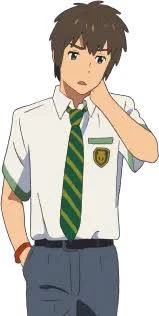
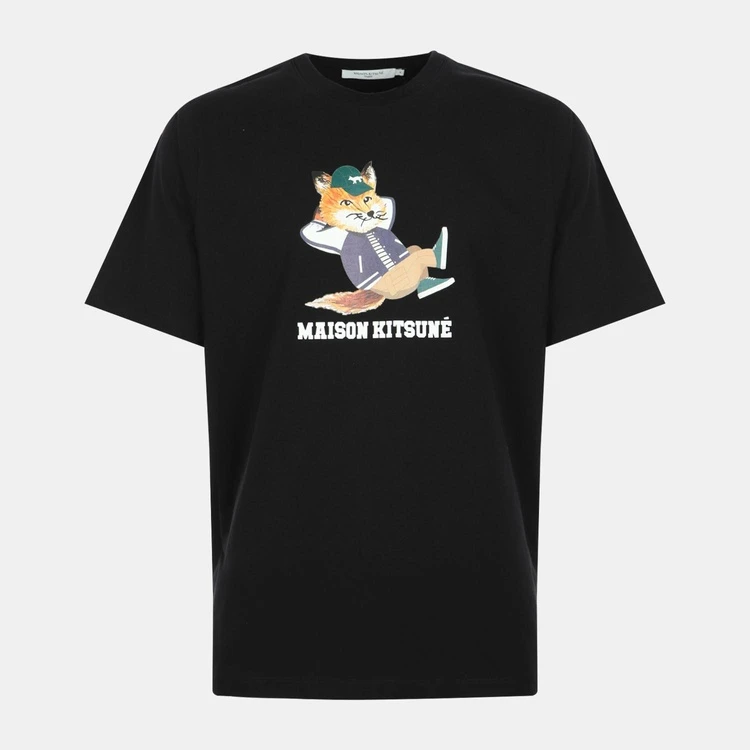
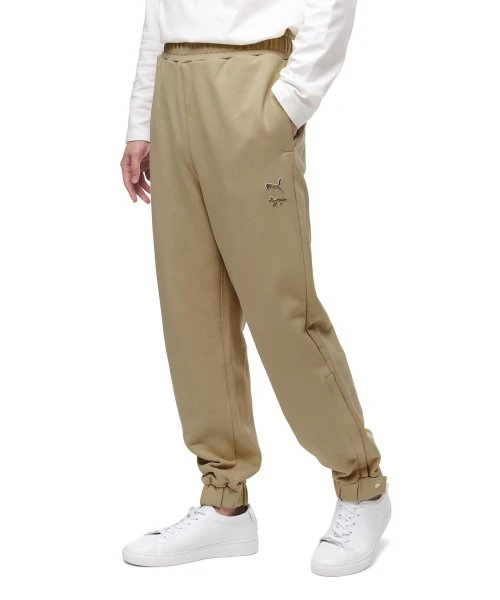
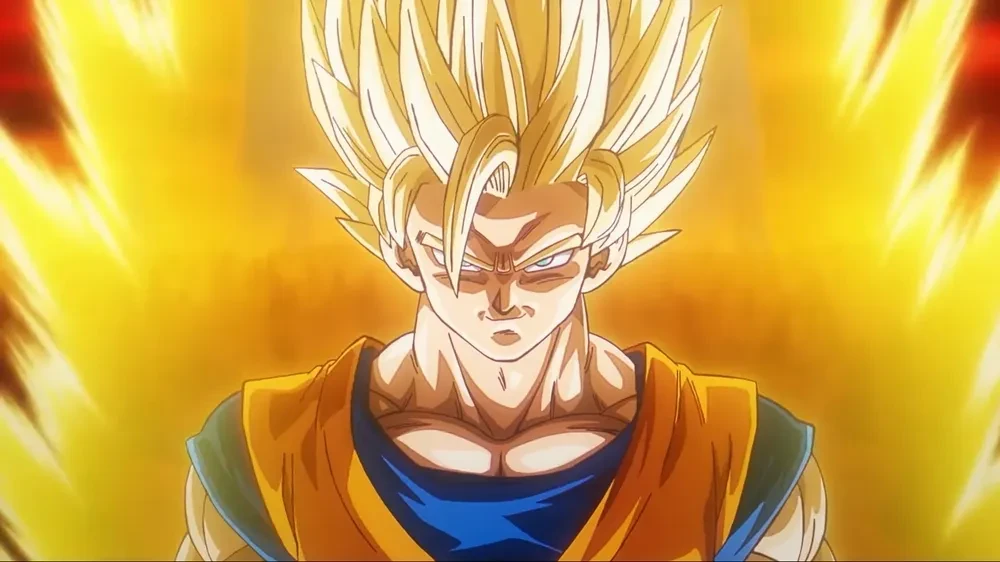
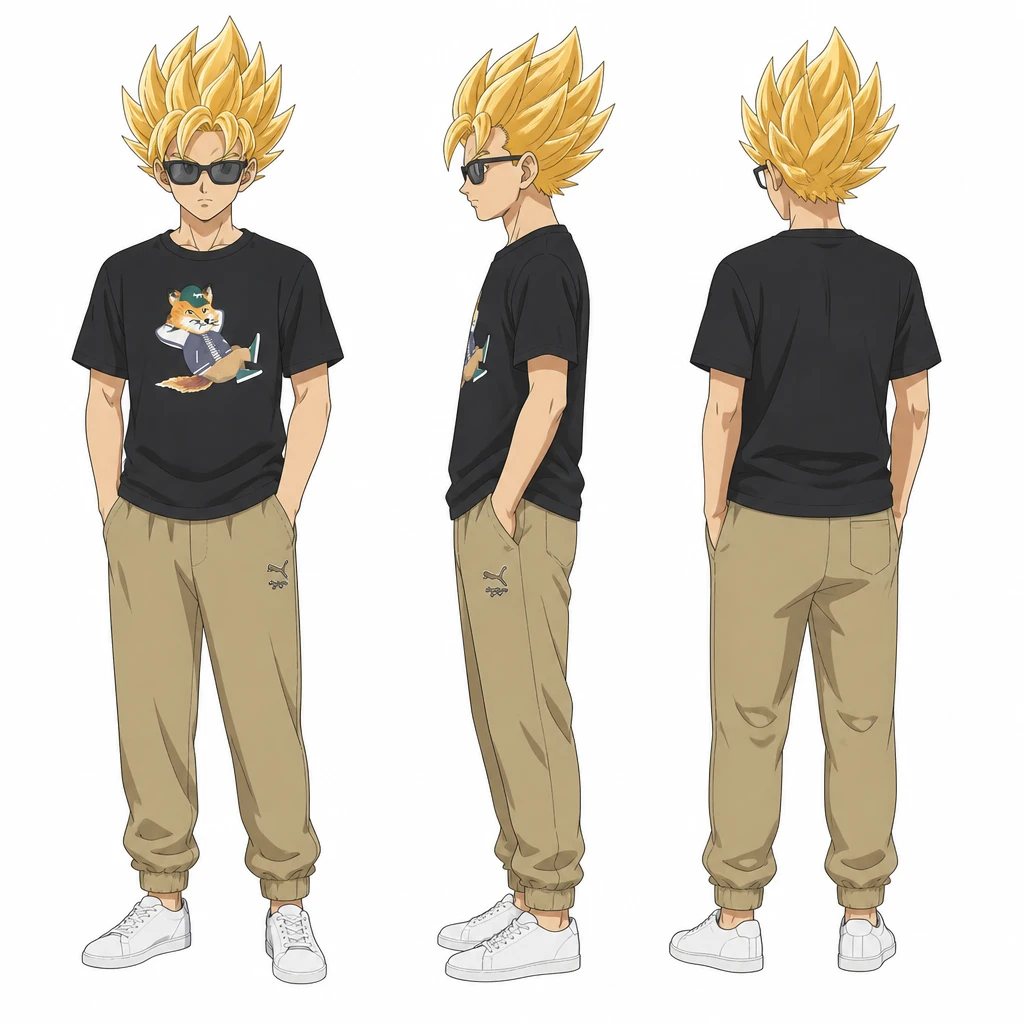
We combined a torii gate reference with a prompt for a Shibuya background.

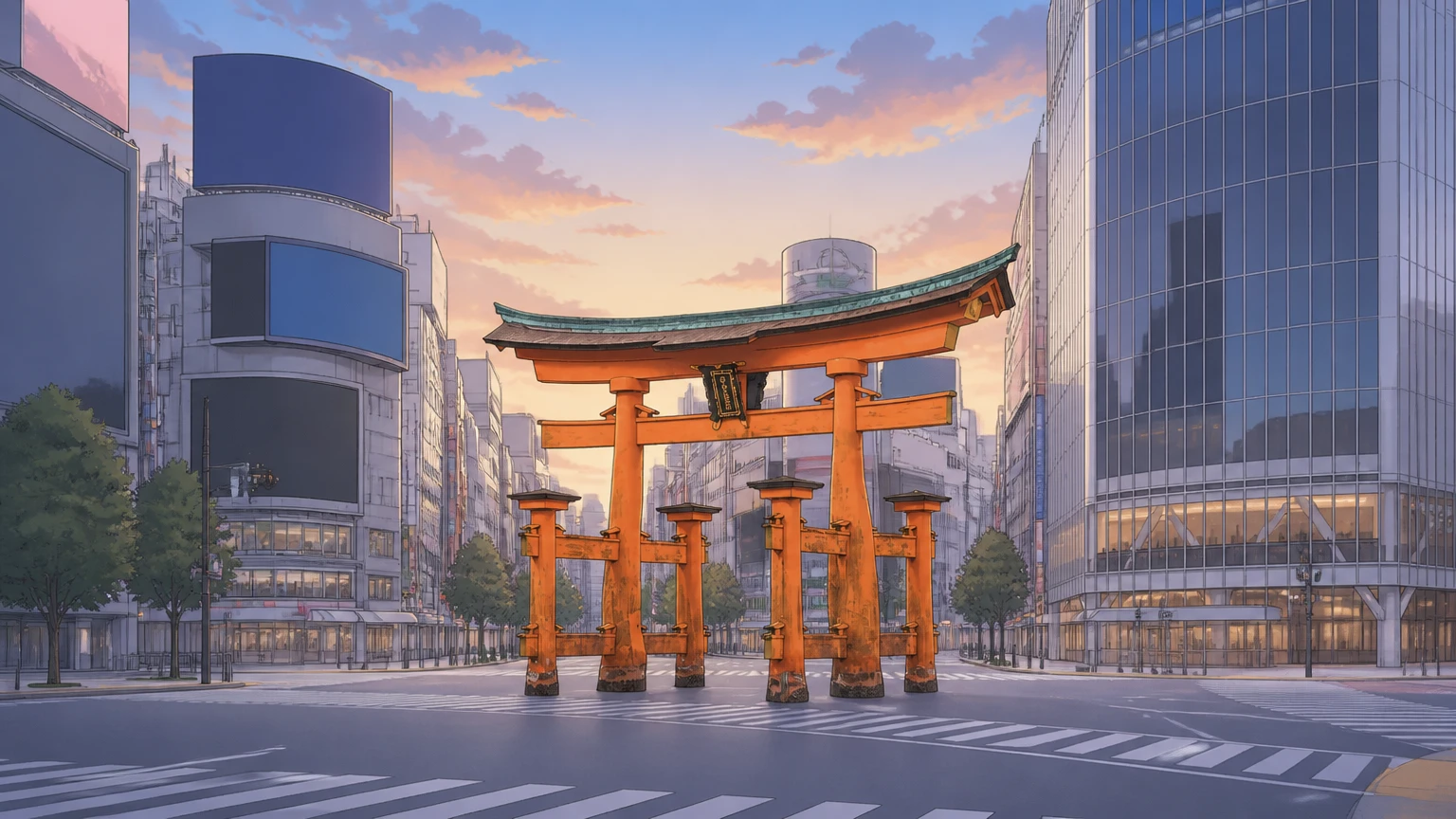
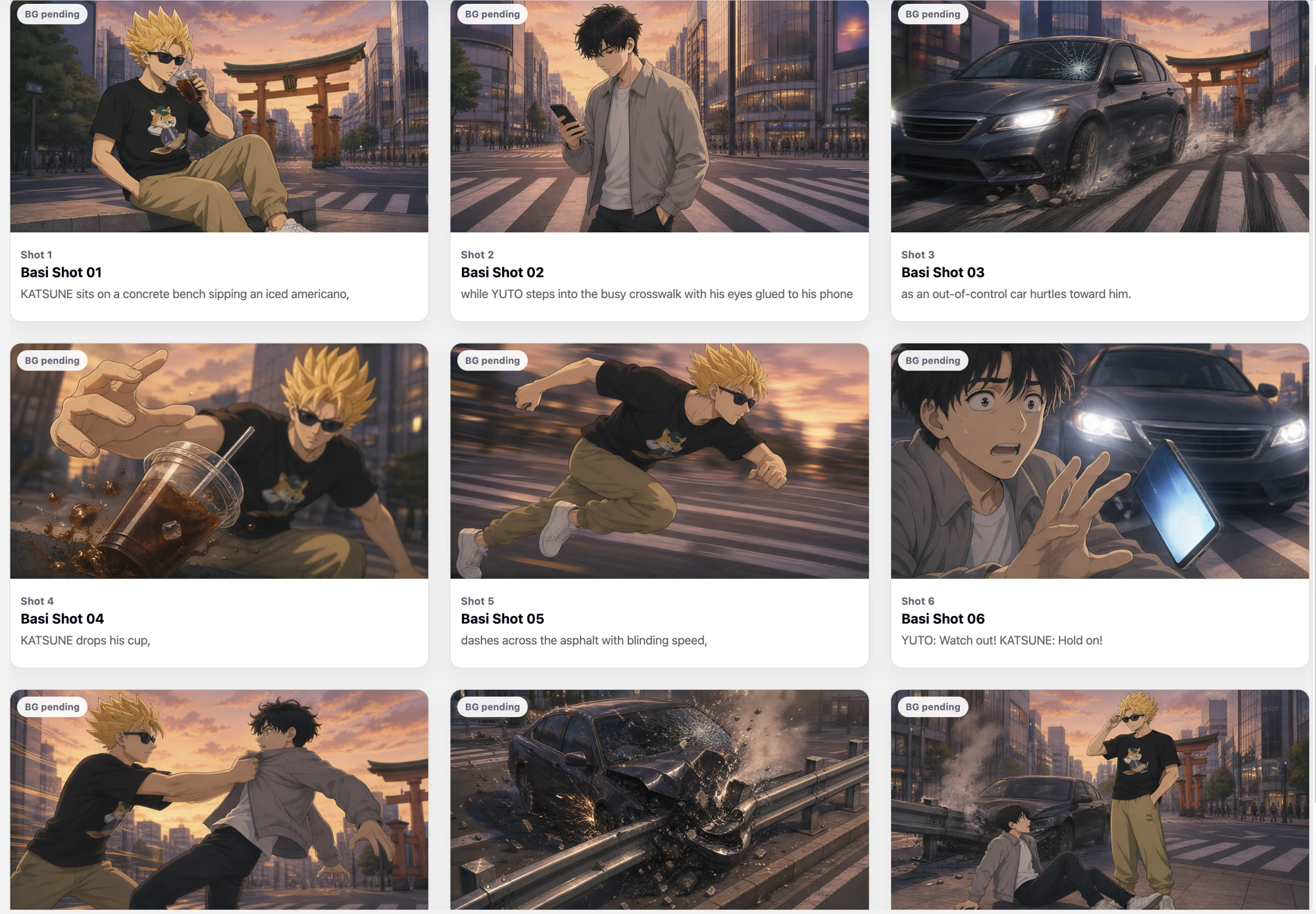
The goal was to carry the desired appearance and spatial composition across scenes and reuse prepared assets.
We tested character generation combining face, top, bottom, and hairstyle references; location-object combinations; text-based prop generation; and connections to the storyboard.
We reflected character visibility in generation and fixed an issue where the default background was referenced instead of the generated one. We analyzed why A-poses persisted and improved the prompts.
We verified the feasibility of character and prop replacement and reuse of existing 3D backgrounds. In a validation shot, regenerating the same input resolved the A-pose while preserving composition.
Identifying three or more people, background detail consistency, complex interactions, and contact with floors and chairs remained unstable. Prompt improvements did not solve upstream motion-application issues.
Alongside better reference transmission, we explored editing tools that let users directly control the scene itself.
We tested whether AI could create the characters, backgrounds, motion, and voices needed for video and connect them into a single production workflow.
Shot images from experiments testing character replacement through video generation.
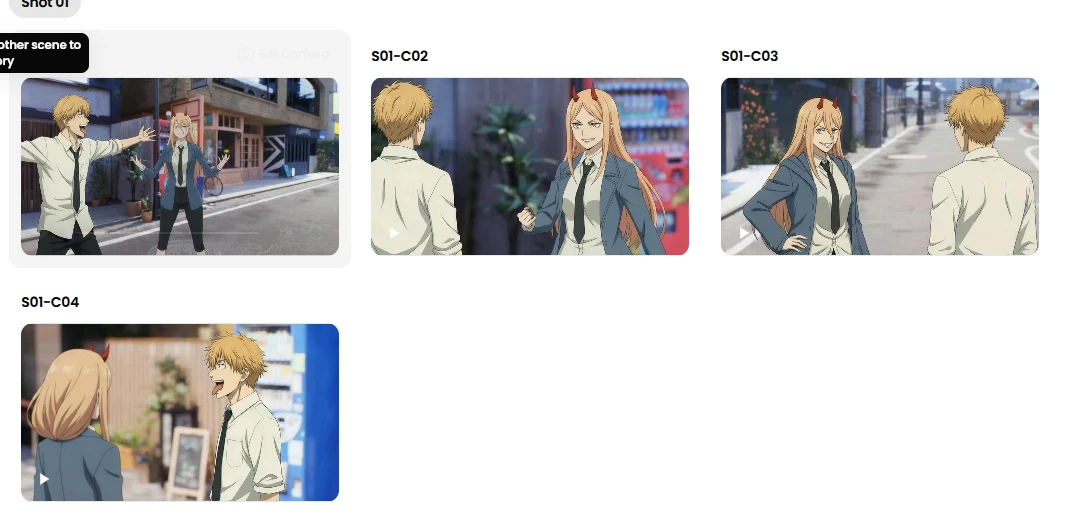
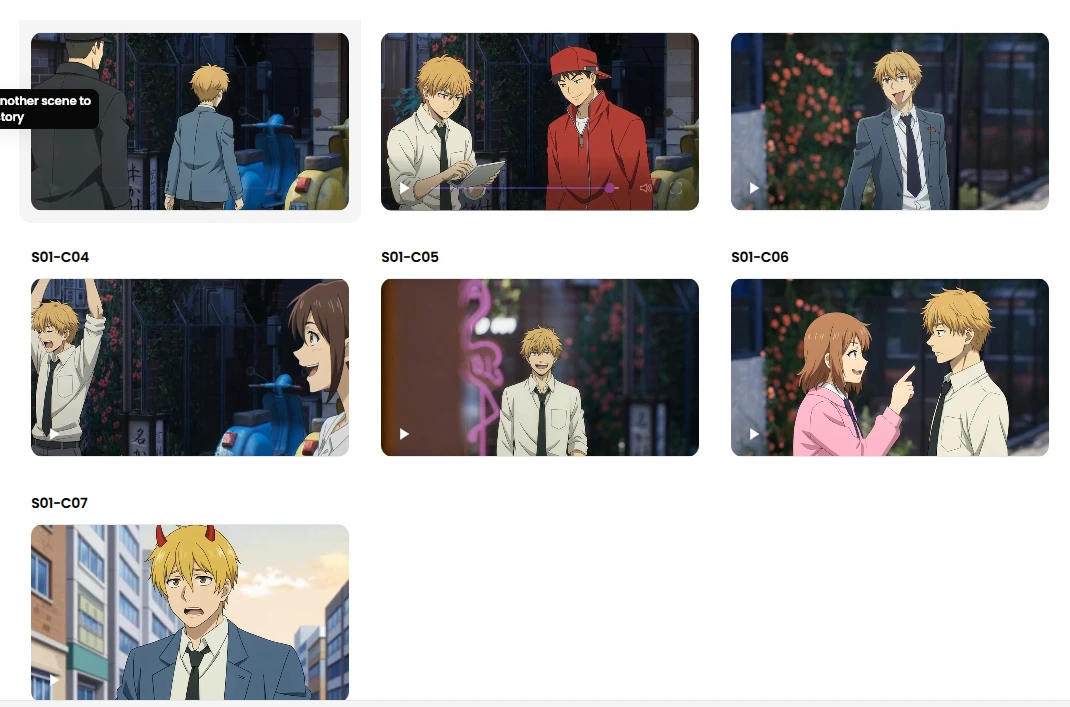
The unsuccessful experiment recorded character mix-ups and unwanted people appearing. These images are a collection of shots from the experiment, not individually annotated error examples.
We aimed to reduce repetitive production tasks and reuse prepared characters and scenes in other content.
We experimented with background editing and sequential character replacement, validating a workflow from images to video.
We experimented with dialogue-aligned motion and voice generation, as well as story-based background music.
Success rate for dummy character removal
Share of final clips with no defects
Results from the same 108 clips evaluated under two different success criteria.
In a test of 108 clips, success measured by dummy character removal was 87%, while the share of final videos with no defects was 56.5%. Being able to generate something and being able to use it directly in production were different standards.
Limitations remained in overlapping characters, body proportions, pose reproduction, and background consistency across camera angles. Unwanted people appearing in video could not be fully prevented.
We expanded the research beyond individual generation functions toward a production workflow that carries the same characters and spaces across multiple shots.
FROM RESEARCH TO CREATION
We tested feasibility, analyzed limitations, and added tools for direct editing.
A2P's records trace our
exploration of both better generation technology and better tools for making things.