POSESHOT / RELEASE NOTES
More precise,
more freedom to direct.
Explore how PoseShot's scene composition, pose editing, and camera tools
evolved through dated
development updates.
Project period —
Camera path recording and pose interpolation
Added
-
Camera Path Record
Record simple camera movements and pose changes after saving frames with Frame Save.
Camera path recording result Camera path recording process -
Pose Interpolation
Added interpolation between poses.
Pose interpolation
Improved
-
Context menu
Moved complex interfaces and frequently used functions into the context menu for easier access.
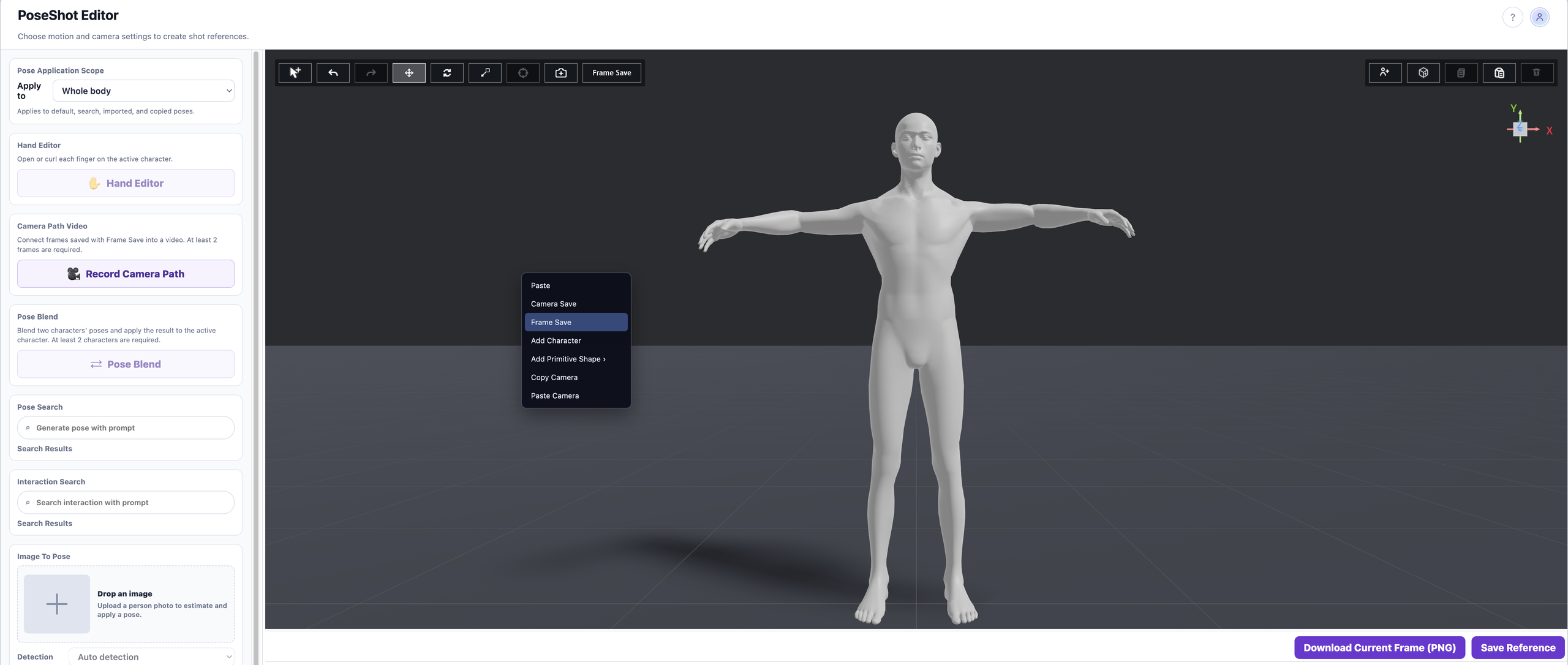
Context menu 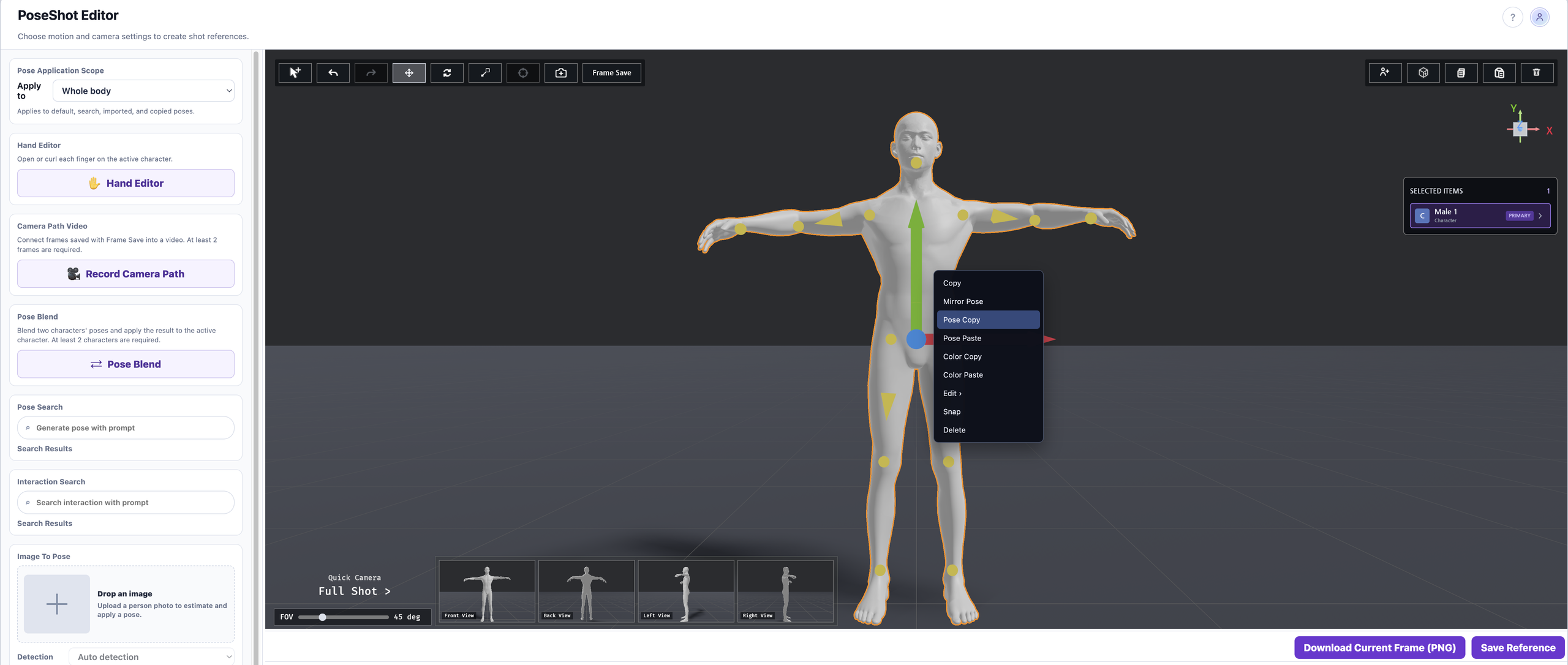
Feature selection
Hand pose editing and more stable controls
Added
-
Hand Editor
Added the Hand Editor for editing hand poses.
Hand pose editing -
Apply poses by body part
Apply a pose to a selected region, such as the upper or lower body.
Select the application range -
Copy and paste poses
Copy an existing pose and paste it for reuse.
Copy and paste poses -
Infinity Grid
Added Infinity Grid to the scene editor.
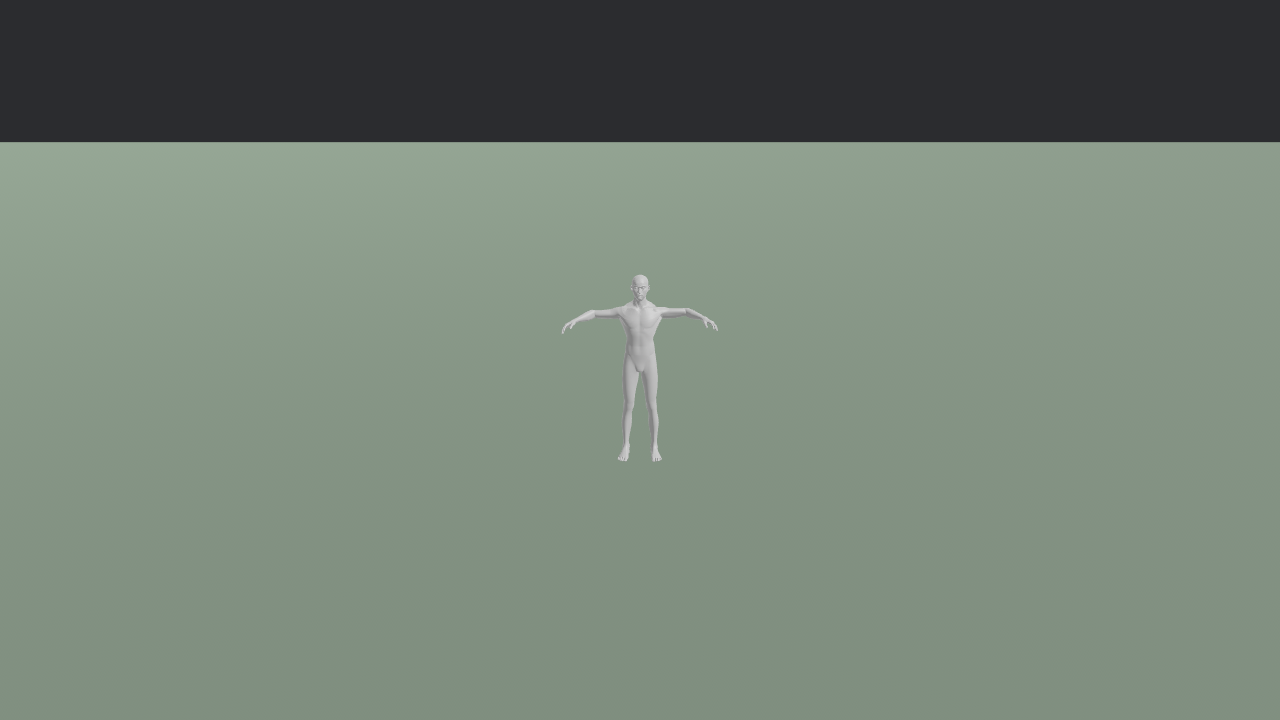
Before 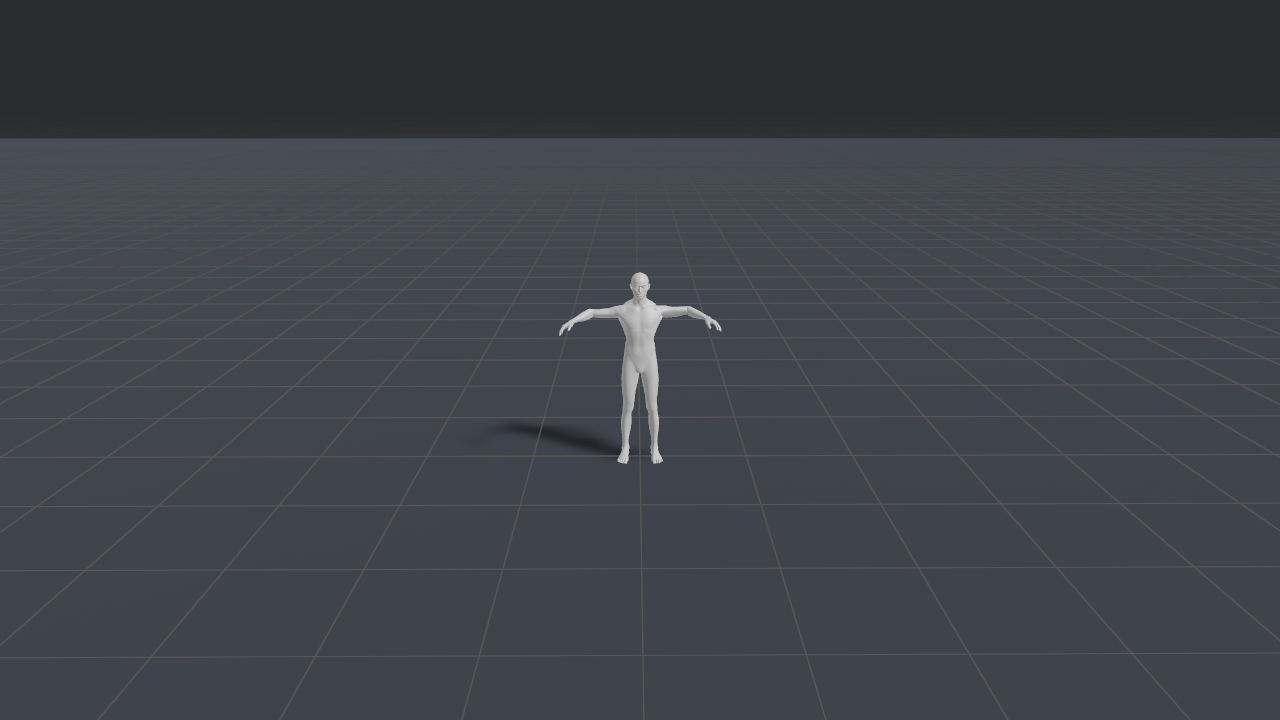
After
Fixed
-
Image2Pose timeout
Fixed the 504 error that occurred when processing exceeded 30 seconds. Changed fal API calls from synchronous to asynchronous processing.
-
Rotation Gizmo sensitivity
Reduced excessive sensitivity in rotation controls.
Before improvement After improvement
Expanded scene composition and detailed editing
Added
-
Eight basic primitives
Added Sphere, Cuboid, Wall, Cylinder, Capsule3D, Cone, Torus, and Plane.
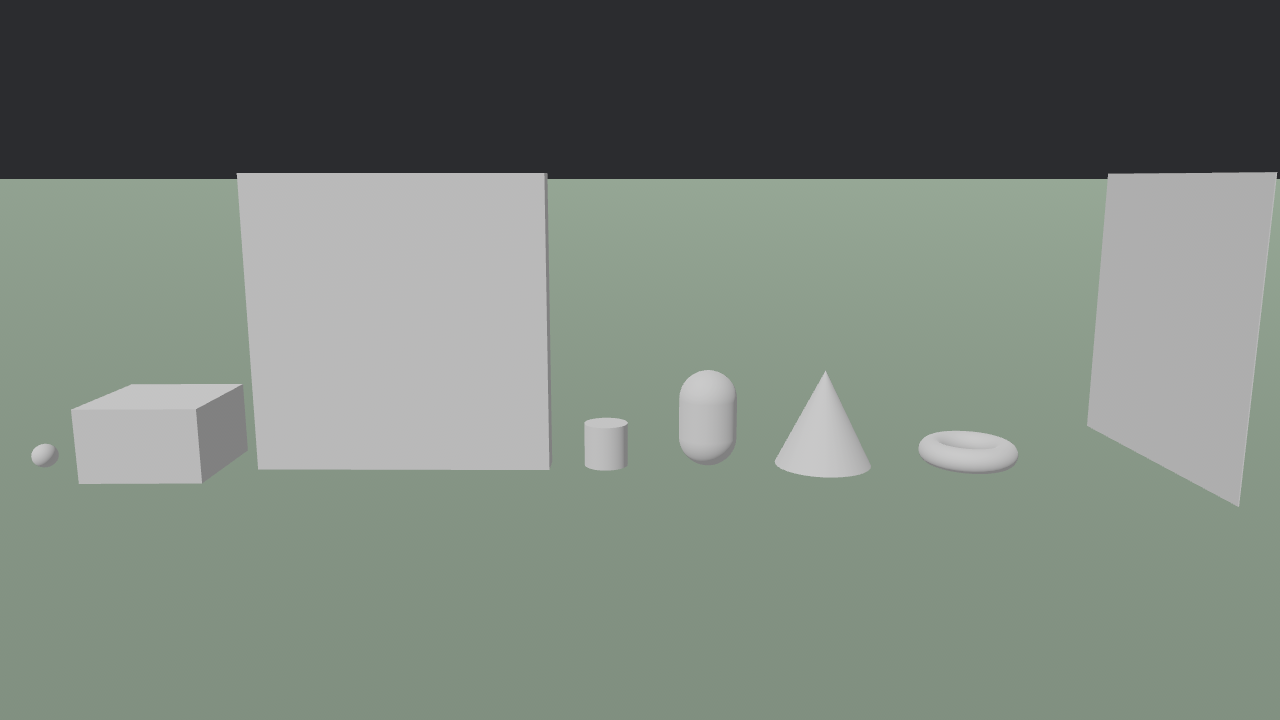
Basic primitives 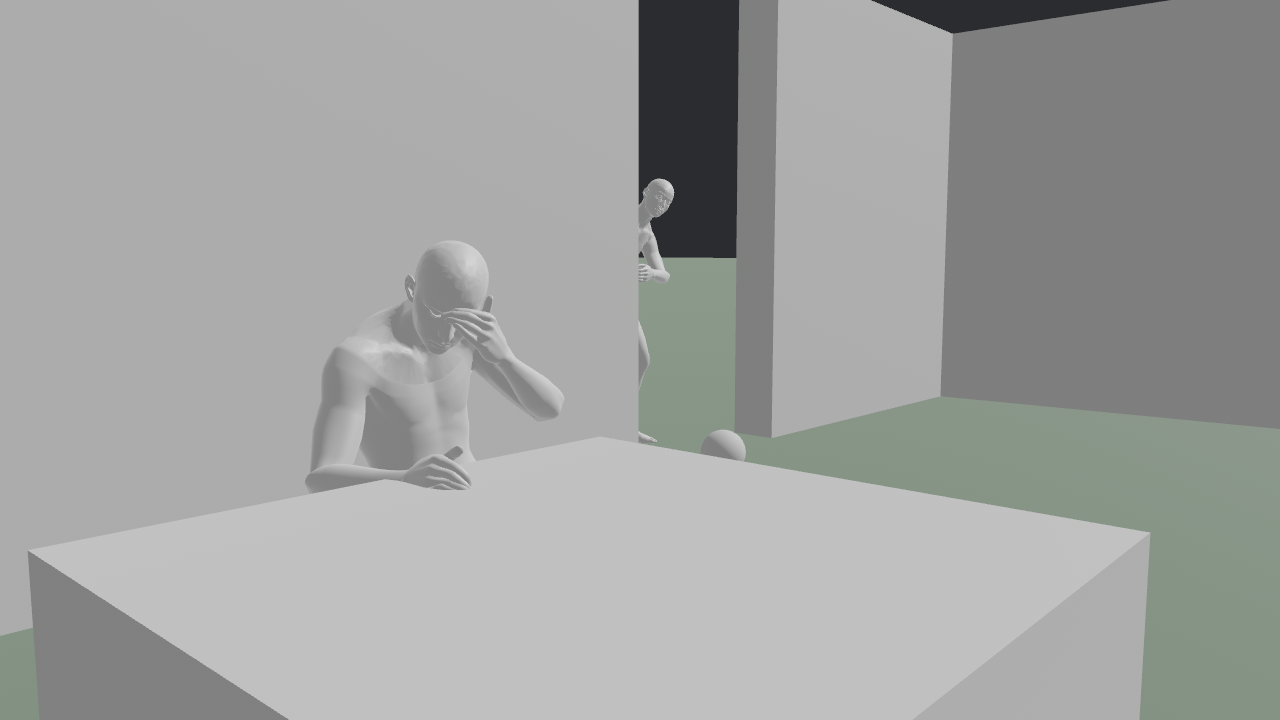
PoseShot example 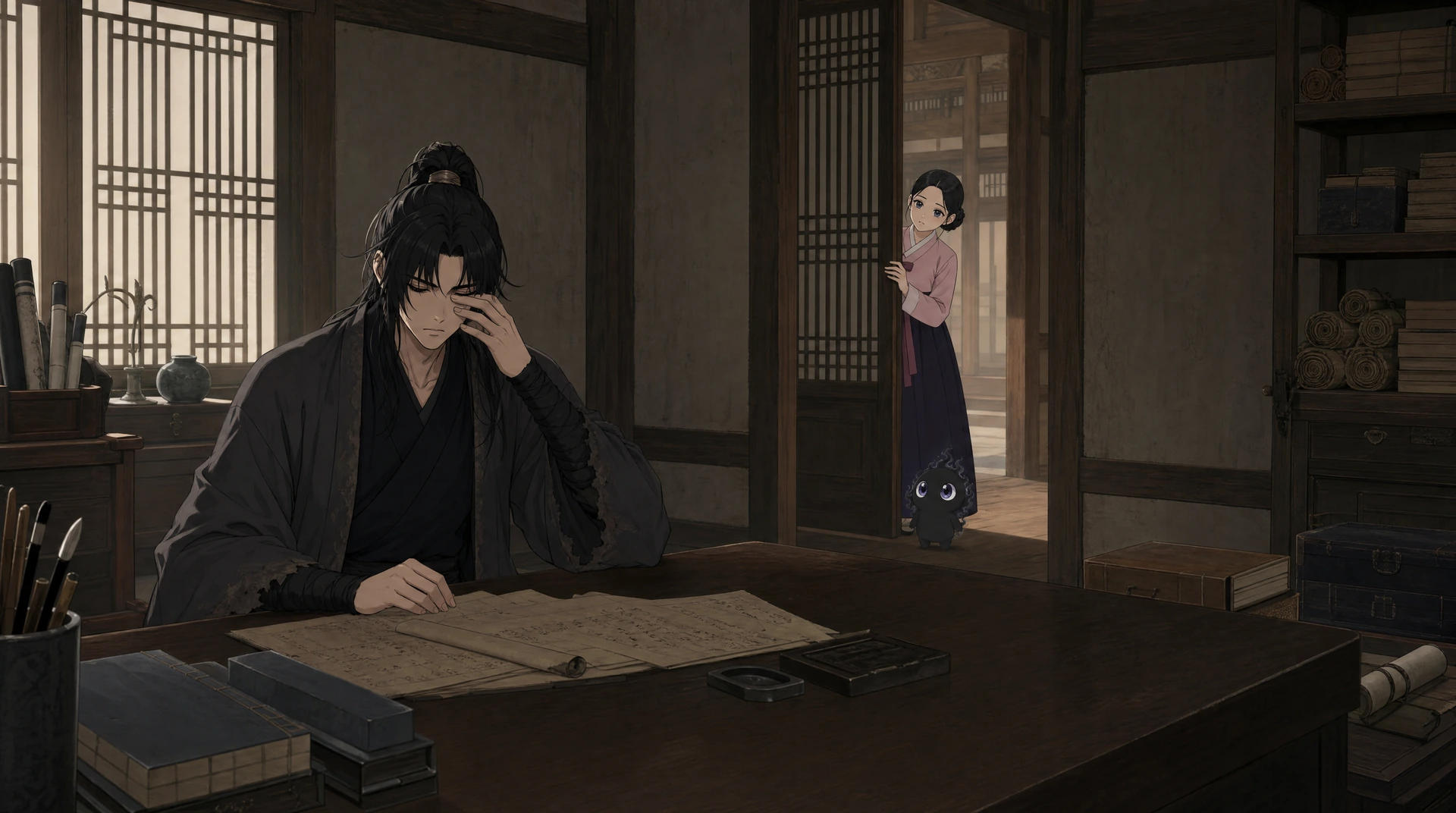
Images generated using a PoseShot reference -
Multiple selection, copy, and paste
Supports multiple selection with Cmd, Ctrl, and Shift, plus Cmd/Ctrl+C and Cmd/Ctrl+V shortcuts.
Multiple selection, copy, and paste -
Finger editing
Added editing of character fingers.
Finger editing 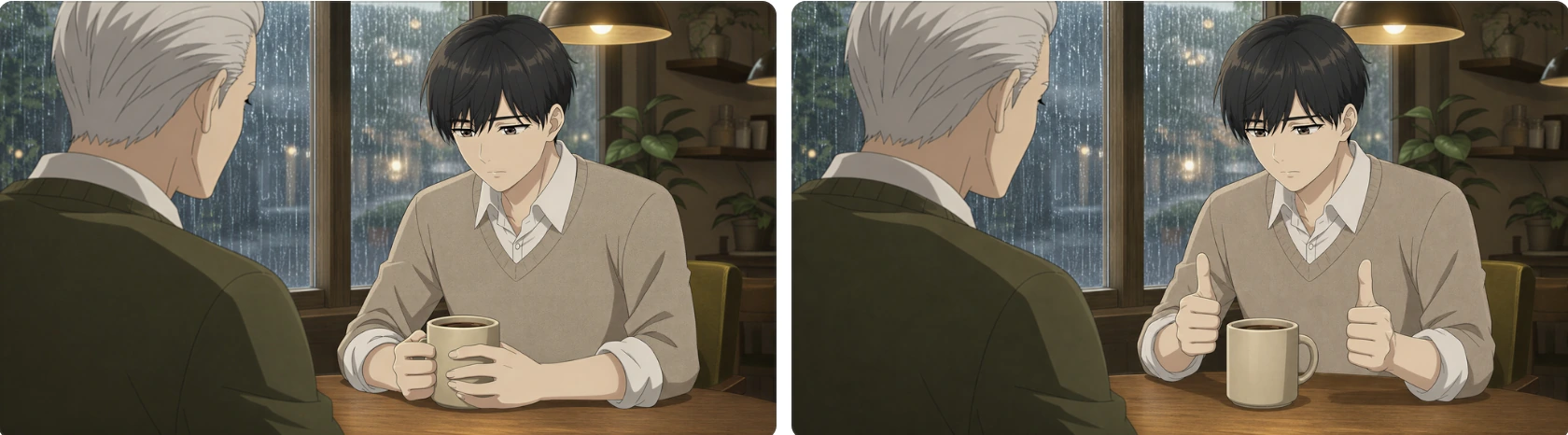
Example application -
Transform editing
Added move, rotate, and scale gizmos, along with numerical input controls.
Move, rotate, and scale controls Character transform 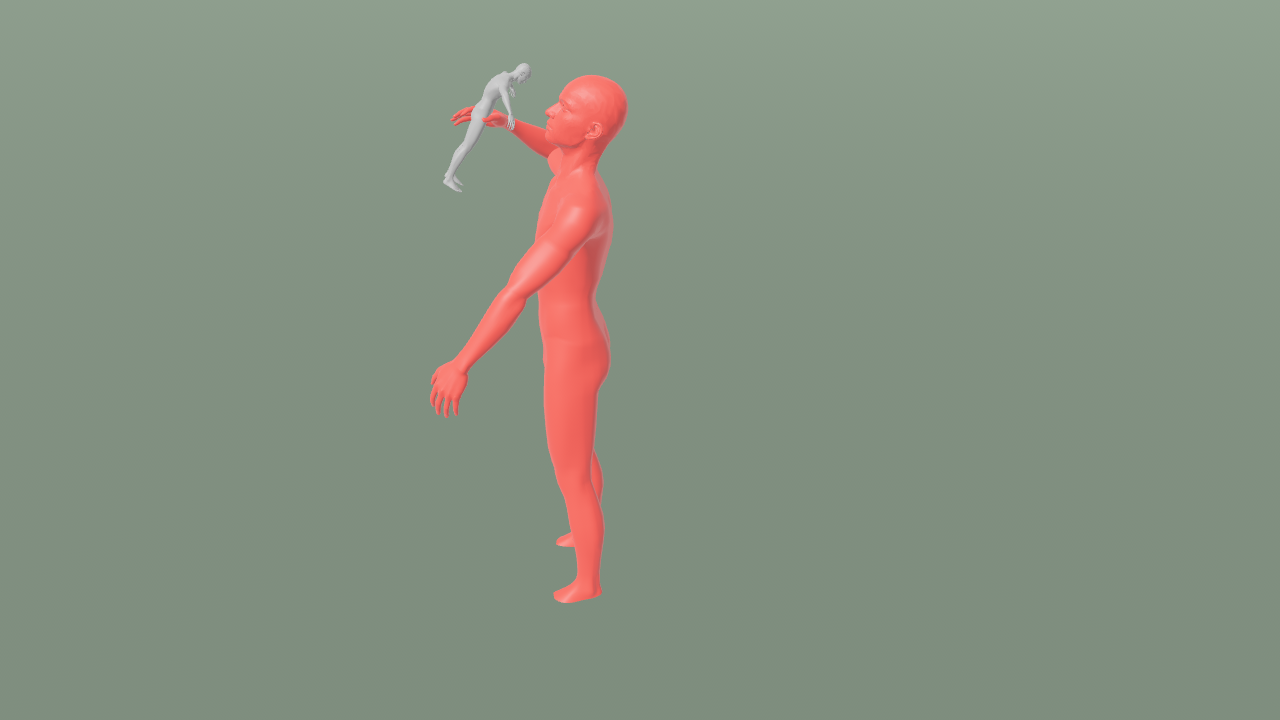
Example application Numerical controls -
Colors for identifying meshes
Assign colors to primitive and character meshes to distinguish objects.
Assign mesh colors -
Manual Detection Mask for Image2Pose
If automatic detection fails, manually define a character's Detection Mask. Manual detection supports one character at a time.
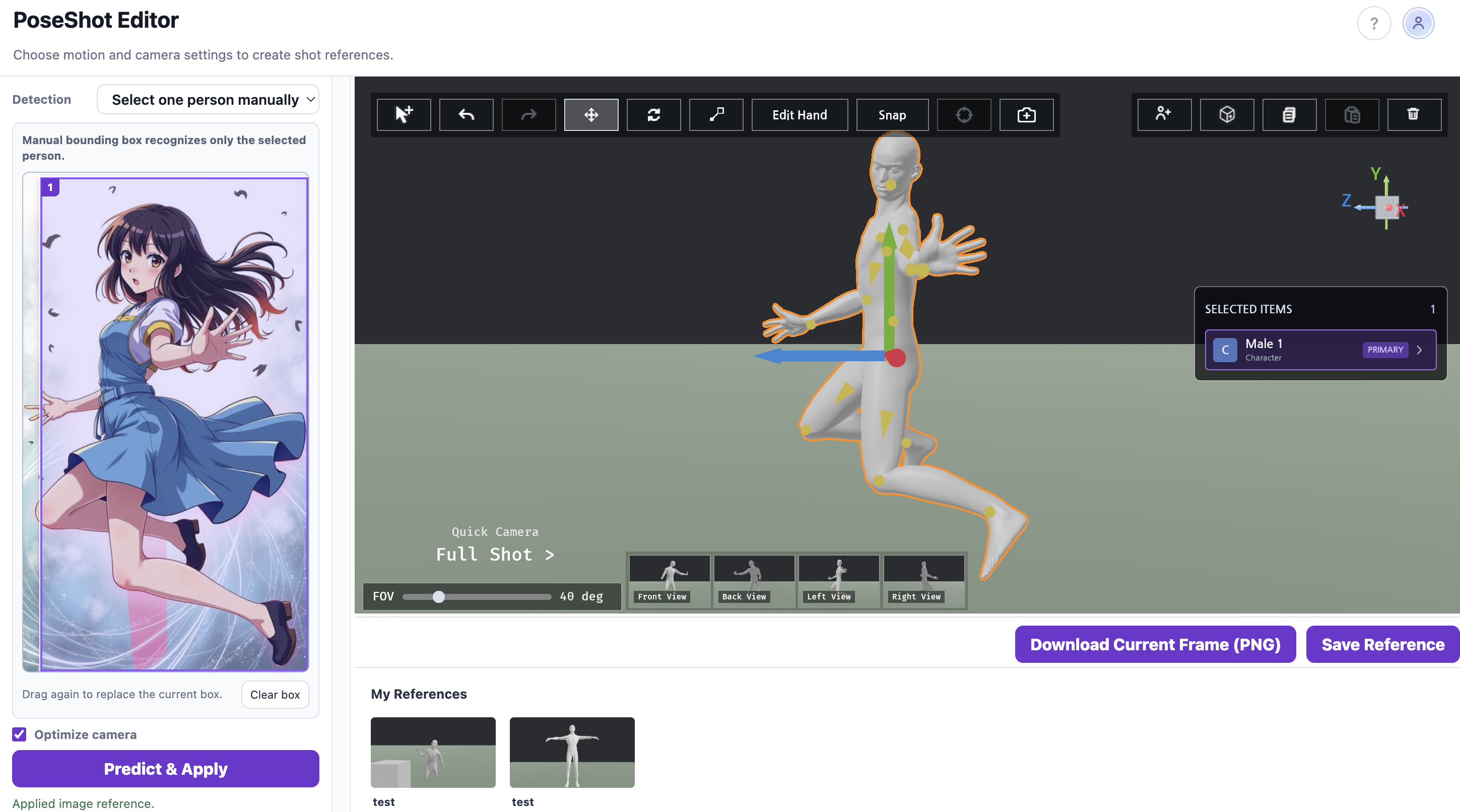
Manual Detection Mask -
Call Image2Pose using an image URL
Run Image2Pose externally by passing an image URL. A separate guide linked from the original document explains how to retrieve editing results.